CRAFT — where is the text, character by character?
A text detector doesn't read words — it finds where they are. CRAFT
(Character-Region Awareness For Text detection) does it with two heatmaps: a
region map (per-pixel "is this a character?") and an affinity
map (per-pixel "do two characters belong to the same word?"). The affinity map bridges
the gaps between letters, so characters group into oriented word boxes — even
curved or slanted lines. It runs entirely on your device via ONNX Runtime Web; the image and the
boxes never leave the tab. This is a different approach from the
DBNet detector (one binarization map) — CRAFT reasons
about characters and the links between them. Detection locates text;
reading it is a separate step (see the multi-model demo).
object-detection (text-region detection) — run via raw ONNX Runtime Web (see note below)
Runtime
onnxruntime-web 1.21 (transformers.js has no CRAFT class)
Input
[1, 3, H, W] NCHW — the image resized so H,W are multiples of 32, ImageNet-normalised
Output
[1, H/2, W/2, 2] — channel 0 = region (character) heat, channel 1 = affinity (character-link) heat; decoded (threshold → OR → connected components → min-area box) into word polygons
Quantization
fp32 ONNX
Backend
WebAssembly (runs anywhere; no WebGPU needed)
Download
~83 MB, cached after first load
License
MIT (ONNX export) · CRAFT / CLOVA AI
Web APIs
WebAssembly, Web Workers, OffscreenCanvas, Canvas — all Baseline widely available
Run it
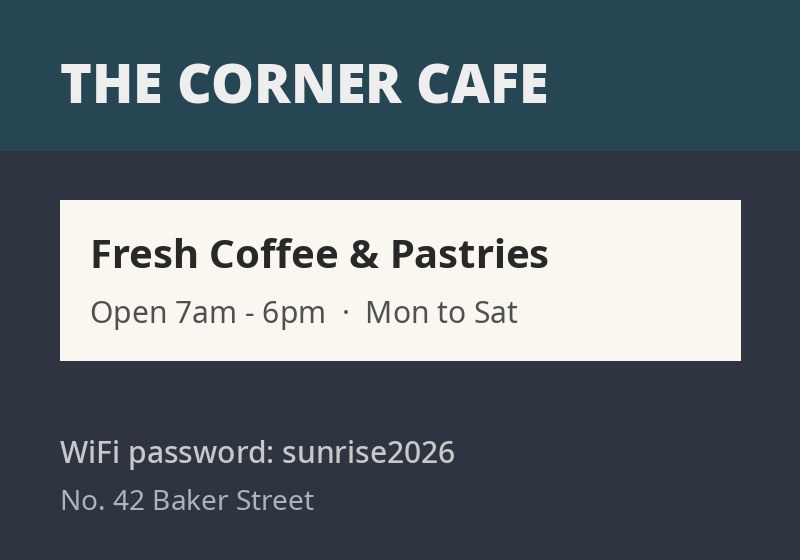
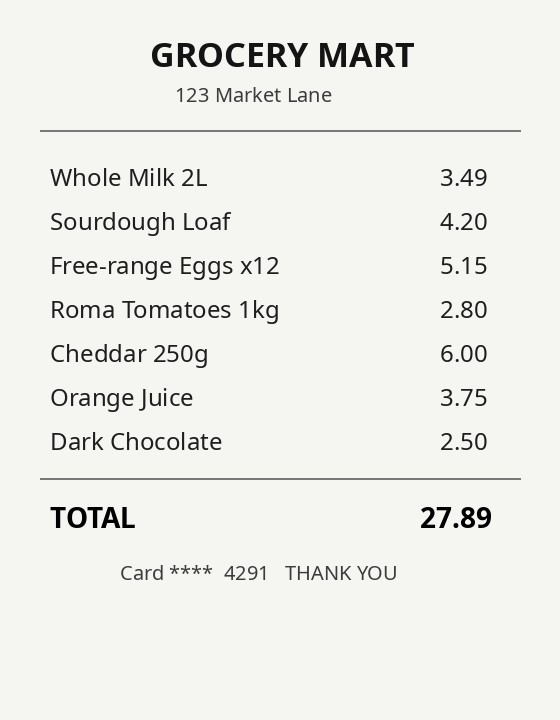
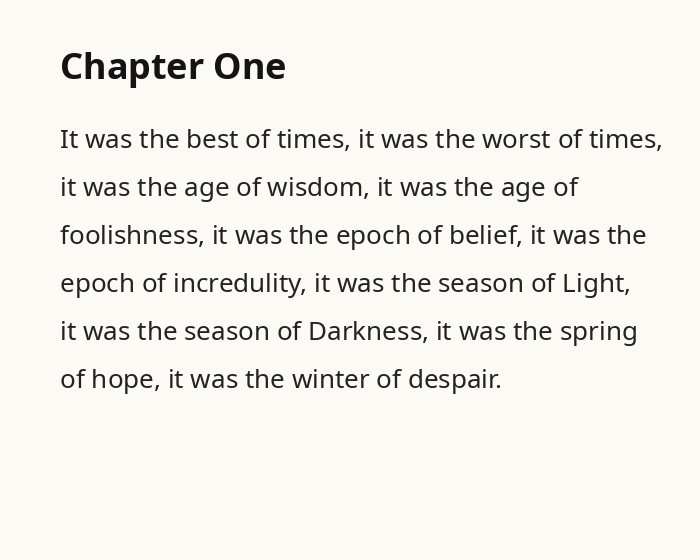
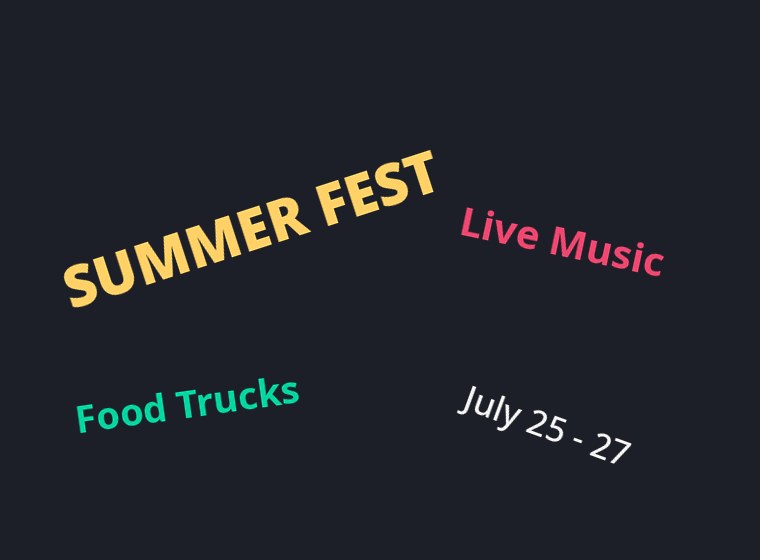
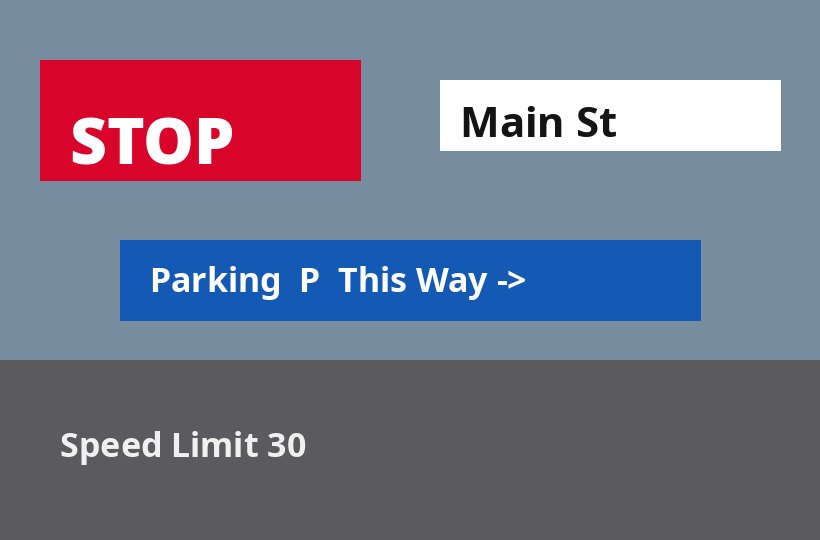
Pick a sample (or drop your own image), then detect. The model returns oriented
boxes around every word — it does not read the words.
Drop / choose your own image
–words found
backend –inference –+ decode –maps –
Everything runs on your device — the image, the heatmaps, and the boxes
never leave the tab. The samples are generated for this demo (no real people or brands).
See inside
CRAFT's real output isn't boxes — it's two heatmaps. The region
map lights up on each character; the affinity map lights up between
characters that belong to the same word. Threshold both, OR them together, group the connected
blobs, and fit a minimum-area box to each — that's the whole CRAFT decode, made visible. The
affinity map is what lets one word become one box instead of a box per letter.
Detect an image to see its region + affinity maps.
Region map — per-pixel "is this a character?"Affinity map — links between characters of one word
Decoded word regions
Why it matters
Detection is the first stage of every OCR and document pipeline — and doing it on-device means a
sensitive document (a receipt, an ID, a form) never has to be uploaded to find its text. CRAFT's
character-affinity approach is especially good at word-level boxes and curved or angled
lines. Once you know where text is, you can act on regions without reading a word:
Private redaction — black out every word on a screenshot or scan before you share it, all client-side.
Crop-then-read — feed only the tight, upright word crops to an OCR model (TrOCR) so it recognises cleaner lines and skips the background.
Layout & counting — count words/lines, find the densest text block, or check "does this photo contain text?" without a server.
Assistive capture — highlight text in a live camera frame so a low-vision user can tap the word they want read aloud.
This detector locates words; it does not recognise characters, languages, or reading order — pair it with an OCR model for that.
transformers.js has no CRAFT class, so we run the ONNX graph directly with ONNX Runtime Web. The
model gives two heatmaps; the CRAFT decode turns them into word boxes:
import * as ort from "onnxruntime-web";

const session = await ort.InferenceSession.create(craftBytes, { executionProviders: ["wasm"] });

// image → [1,3,H,W] NCHW (H,W multiples of 32), ImageNet-normalised
const input = new ort.Tensor("float32", normalize(image), [1, 3, H, W]);
const { score_map } = await session.run({ input });   // [1, H/2, W/2, 2]

// CRAFT decode: region>textThreshold OR affinity>linkThreshold → connected components → min-area box
const words = decode(score_map.data, W / 2, H / 2, { textThreshold: 0.7, linkThreshold: 0.4 });
Inference and the whole decode run in a Web Worker so the UI never blocks, and the 83 MB model
is fetched through Cache Storage, so a returning visit auto-initialises with no re-download.