No webcam here.
Camera access wasn't granted. Scan the sample photos or drop your own instead.
Drop a photo, or click to choose

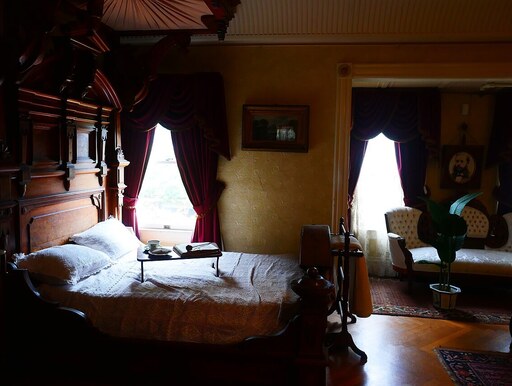
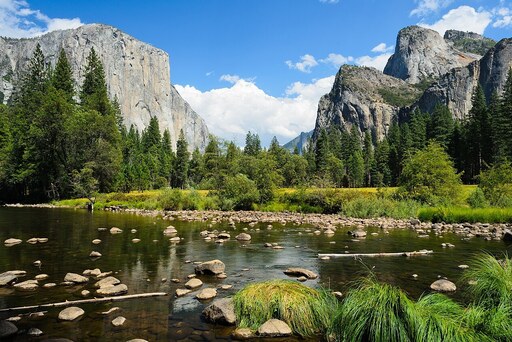
Last scan
—
grand total 0 · scans 0
backend –latency –
| # | class | count |
|---|---|---|
| No scans yet — pick a class and scan a photo. | ||
Each scan runs D-FINE once in a Web Worker and adds a row. Because the boxes are NMS-free there's no double-counting from overlapping detections to worry about.