image-classification · document AI · WASM · ~88 MB
DiT — what kind of document is this?
A Document Image Transformer: a vision model that looks at a scanned page as a picture and
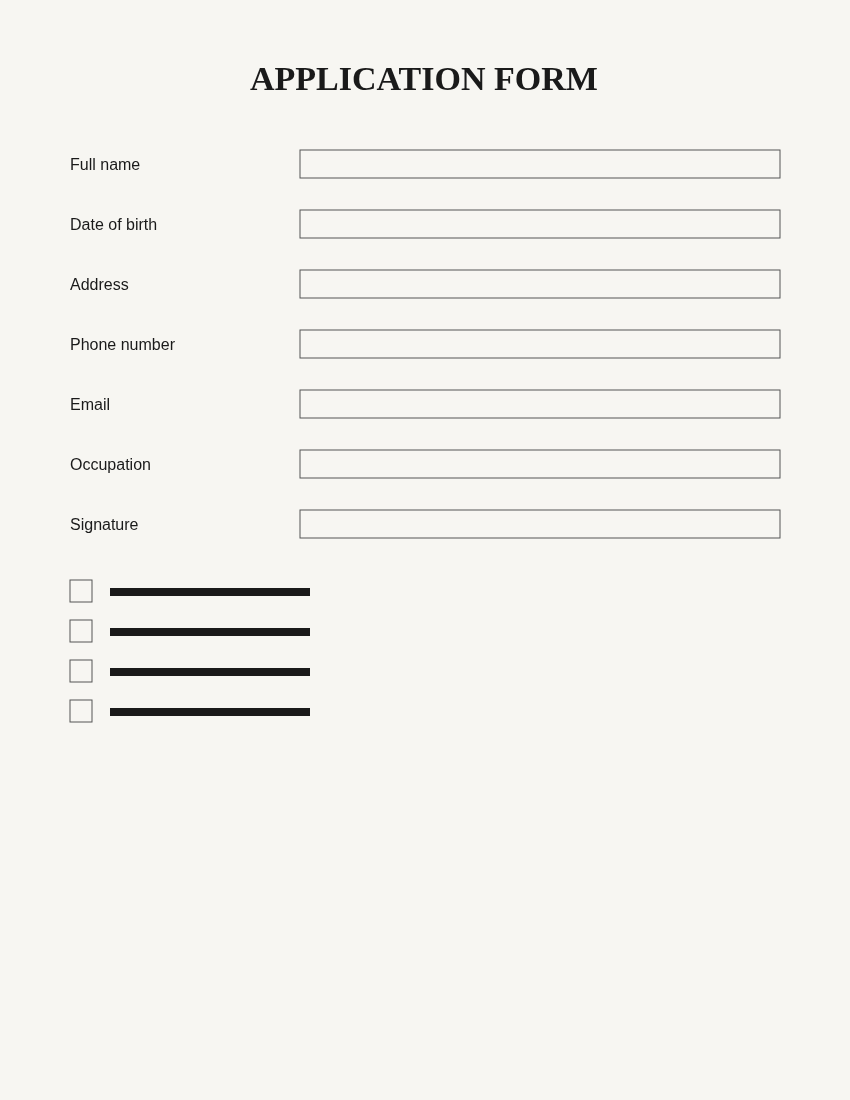
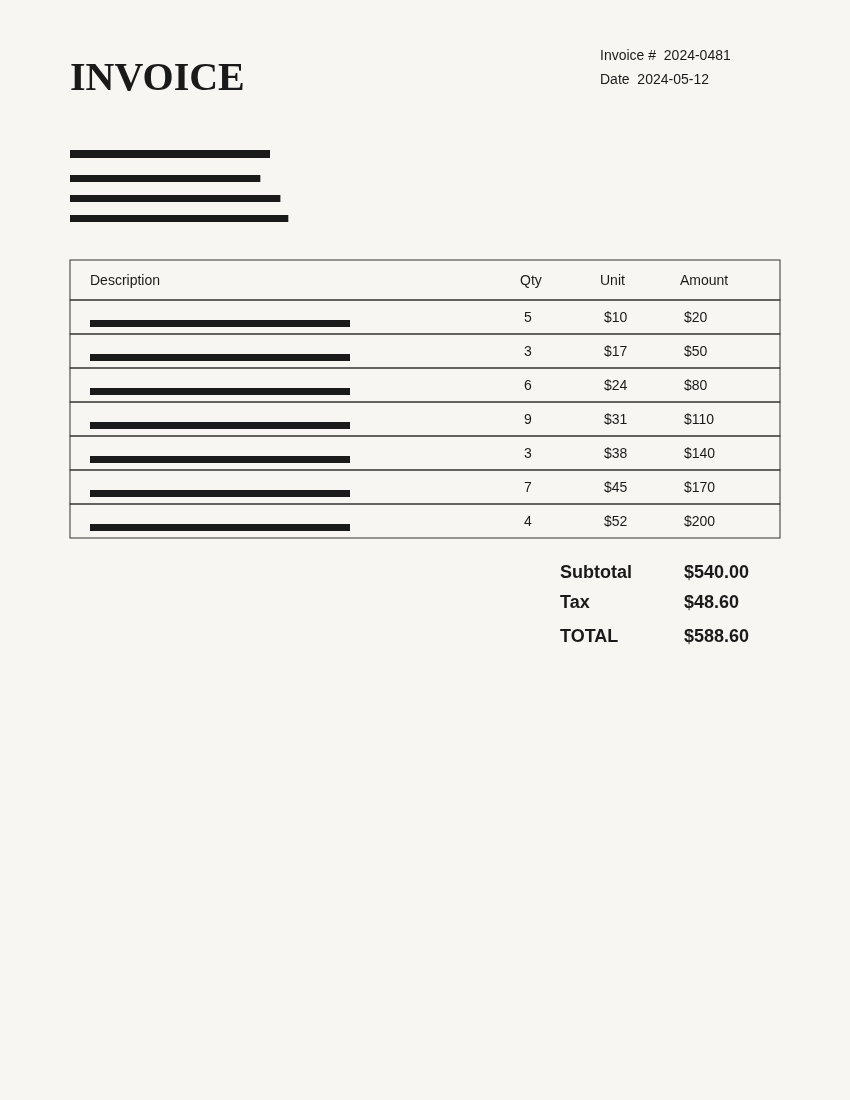
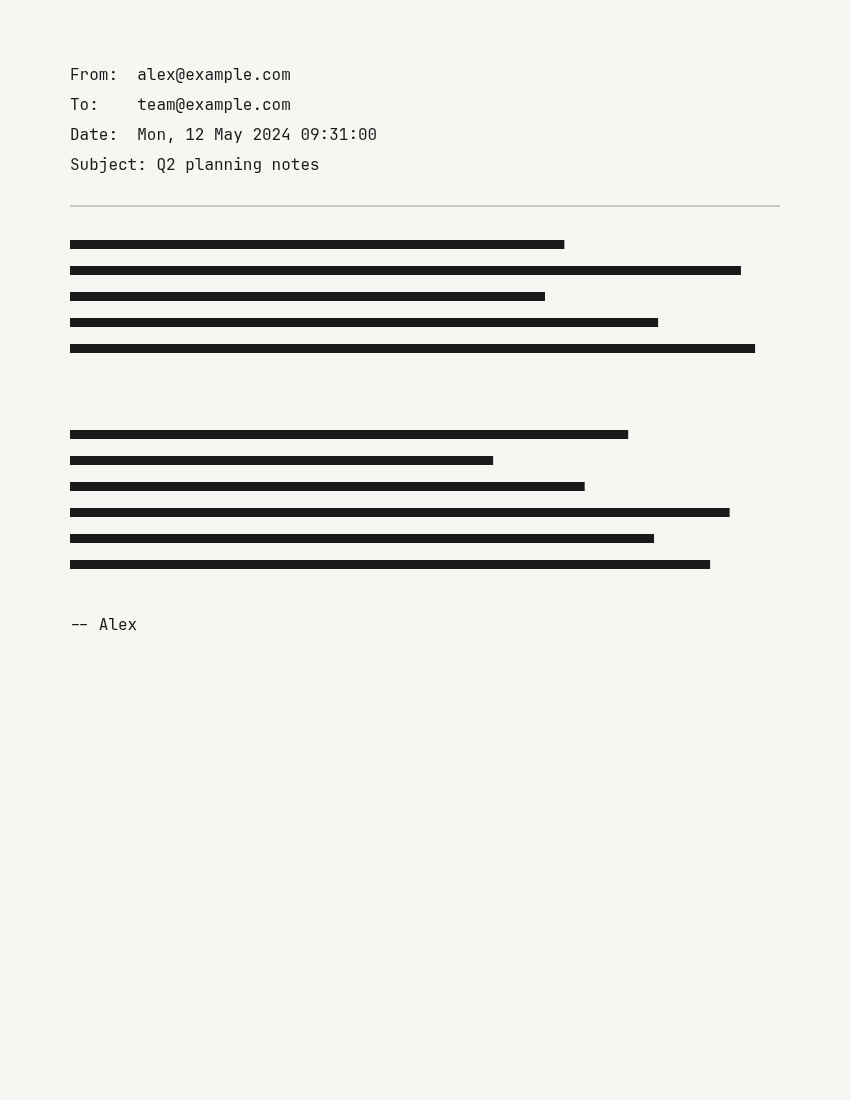
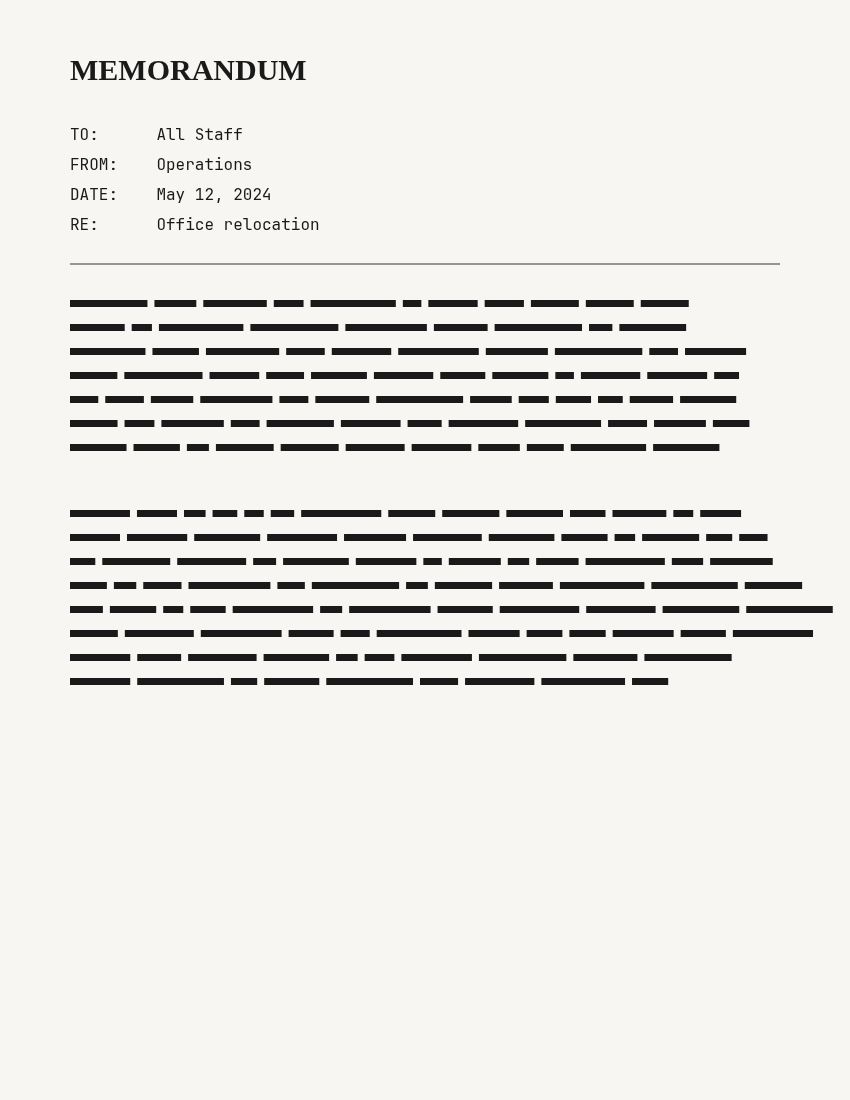
sorts it into one of 16 document types — letter, form,
email, invoice, resume, scientific publication and
more. It reads page layout — where the margins, tables, letterheads and columns sit — not
the words, so it works before a single character is OCR'd. It runs entirely on your device: the
document never leaves the tab.
WebAssembly, Web Workers, FileReader — all Baseline widely available
Run it
Pick or drop a scanned document (or an image of one) and hit Classify. Because there are only 16 classes, the "See inside" panel below shows the model's entire probability distribution, not just the top few.
Drop a document image here, or click to choose
5 types
backend –latency –classes –
See inside
DiT's final layer produces one raw score — a logit — per document type. A
softmax turns those 16 logits into probabilities that sum to 100%. With only 16
classes we can show the whole distribution at once, so you can see not just the winner but
every rival and how the model spreads its doubt. Two numbers summarise the shape: the
top-1 margin (how far the winner leads the runner-up) and the normalised
entropy (0 = certain, 1 = spread evenly across all 16). A clean invoice is peaky and
low-entropy; a page that's half-letter, half-form sits between letter and
form with high entropy — its confusion is legible.
Run a classification to see the full 16-class distribution.
top-1 margin –entropy (0–1) –
Confidence (low ← → high):
Why a vision model for text documents? DiT never reads the words. It was
self-supervised pre-trained on 42 million document images — learning to reconstruct
masked patches of pages — so it internalised what letterheads, forms, tables and journal columns
look like. Fine-tuning on RVL-CDIP then maps that layout sense onto the 16 types. That's
why it can triage a page into "this is an invoice" before any OCR runs, and why it's robust to
languages or fonts it can't read.
Why it matters
Almost every business document workflow starts with the same dull question: what is this
page? Answering it on-device, before anything is uploaded or OCR'd, is a cheap, private first
step that routes the expensive work only where it's needed.
Mailroom & inbox triage — auto-sort a pile of scans into invoice, letter, resume and form queues so each goes to the right team, with no server round-trip.
Route to the right extractor — send invoice pages to an invoice parser, resume pages to a CV parser, form pages to a field extractor — a classifier is the cheap dispatcher in front of costly OCR/VQA.
Pre-filter & de-duplicate — flag cover pages, file-folder tabs and blank forms before they hit an expensive pipeline; drop the presentation slides out of a "contracts only" ingest.
Confidence gating — use the entropy/margin read-out to auto-file the confident pages and escalate the ambiguous ones (a page that's between form and questionnaire) to a human.
This page goes one level deeper for "See inside": instead of the pipeline it runs the model's own
processor then model() in a single forward pass, so it can read the raw
logits tensor (all 16 types) and compute the softmax, entropy and margin itself. Same
weights, same result — just keeping the intermediate numbers. Inference runs in a Web Worker so the
page never janks. The labels come back lower-cased (scientific report); the page
Title-Cases them.