MediaPipe's FaceLandmarker finds a face in an image or video and returns a dense
478-point mesh, plus 52 blendshape coefficients — ARKit-style
expression channels like jawOpen, mouthSmileLeft, and
eyeBlinkRight — and a 4×4 head-pose matrix. It's a real downloadable
.task model that runs on-device via WebAssembly (with a GPU delegate when
available). Drop a photo or turn on your webcam and watch the expression bars move.
478 landmarks (x, y, z normalized), 52 blendshapes, 4×4 facial transformation matrix
Faces
1 by default (configurable via numFaces)
Delegate
GPU when a WebGPU/WebGL adapter exists, otherwise CPU (XNNPACK)
Download
~4 MB .task file, cached by the browser after first load
License
Apache-2.0 (Google MediaPipe)
Web APIs
WebAssembly, Canvas, getUserMedia — all Baseline widely available
Run it
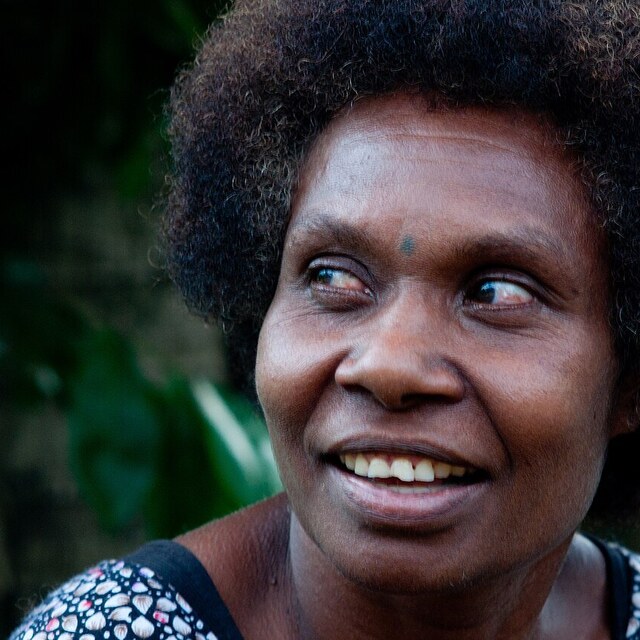
Pick a sample face, drop your own photo, or use your webcam. The 478-point mesh is drawn on the canvas and the 52 blendshapes animate as a live bar panel.
Drop a face photo here, or click to choose
delegate –latency –faces –
Live blendshapes
The model's 52 expression coefficients, highest first (0 = not active, 1 = fully active). This is the same signal a face-driven avatar reads.
Detect a face to see its 52 blendshape values.
See inside
A face comes back as 478 normalized x, y, z landmarks, the 52 blendshapes above,
and a 4×4 transformation matrix that encodes where the head is pointing. Below are a handful of
named landmark coordinates and the head pose (yaw/pitch/roll) decoded from that matrix — exactly
what the model returned for the current face.
Detect a face to see its landmark coordinates and head pose.
faces –landmarks –yaw –pitch –roll –
#
landmark
x
y
z
Why it matters
Face-mesh tracking used to mean ARKit, a native SDK, or a cloud vision API. FaceLandmarker turns
"where is the face, and what expression is it making?" into a local function call in any browser
— private, offline, and fast enough for a live camera on a phone. The blendshapes are the real
prize: 52 ready-made expression channels you can drive anything with.
Avatars & VTubing — drive a 3D or 2D character's face straight from the blendshapes, no rig calibration.
Attention & drowsiness cues — read eye-blink and yawn signals for driver-monitoring or focus tools, on-device.
Virtual try-on & beauty AR — anchor glasses, makeup, or filters to the exact mesh points.
Accessibility — map facial expressions (a raised brow, a smile) to hands-free UI actions.
This page loads the model through the showcase's shared auto-init loader and draws the mesh on a canvas at the image's natural resolution; for the webcam it switches the task to VIDEO mode and calls detectForVideo each frame.