← All models

image-text-to-text · vision-language · WASM · ~1.4 GB

FastVLM — ask a fast, small model about a picture

FastVLM is Apple's efficient vision-language model. Its trick is the vision encoder — a hybrid conv/transformer called FastViTHD that emits far fewer, higher-quality visual tokens, so the model starts answering quickly. Give it an image and a question and the 0.5B version answers in plain language, streaming token by token — on your GPU, or on the CPU when there's no GPU, with nothing uploaded.

At a glance

Modelonnx-community/FastVLM-0.5B-ONNX (ONNX build of apple/FastVLM-0.5B)
Taskimage-text-to-text (vision → text generation)
ArchitectureFastViTHD vision encoder + Qwen2-0.5B decoder (llava_qwen2)
Params / dtype~0.5B decoder · q4 (embeds, vision + decoder) — runs on the WASM CPU backend
BackendWASM (CPU) — no GPU required; runs on mobile + desktop. (The model's WebGPU exports are numerically unreliable in Transformers.js today, so we run on the CPU.)
Download~1.4 GB, cached after first load
Licenseapple-amlr (Apple ML Research — non-commercial; check terms before shipping)
Web APIsWeb Workers, WebAssembly, FileReader

Run it

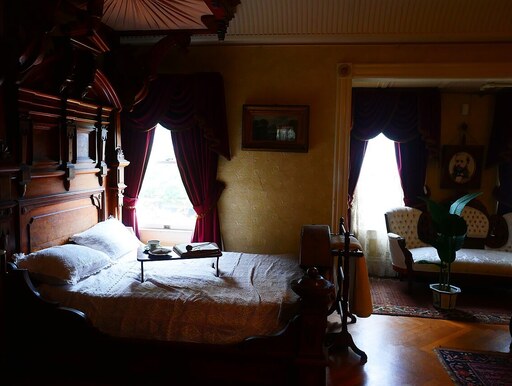
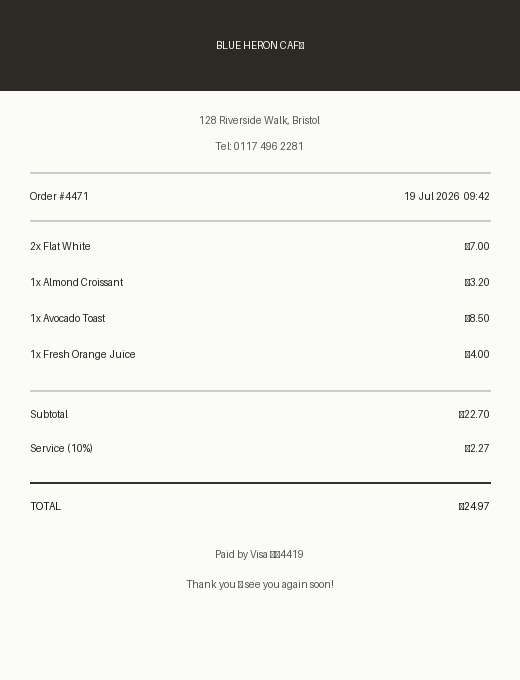
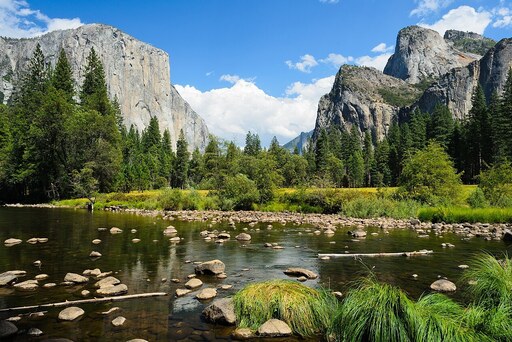
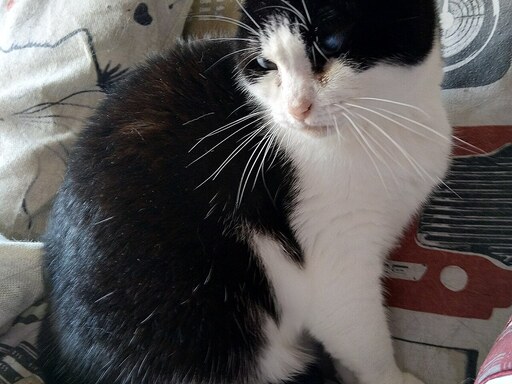
A riverside at golden hour with a swan Two cats on a couch A cozy bedroom A café receipt with items and a total
…or drop / choose your own image
Selected image
The model's answer will stream here.

See inside

FastVLM wraps your question in a Qwen2 chat template with an <image> placeholder that the FastViTHD encoder fills with visual tokens. Below is the exact prompt string the processor builds, and the live token stream with the time each token arrived — so you can watch time-to-first-token (the encoder's whole selling point) and see where the latency goes.

Constructed prompt

Run a generation to see the constructed prompt.

Token stream (value · ms since start)

Tokens appear here as they're generated.

Why it matters

FastVLM's contribution is speed: a vision encoder designed so the model can start answering about a high-resolution image quickly, at a size (0.5B) that fits in a browser tab — on a GPU or, more unusually for a VLM, on the CPU.

Use cases

Basics

Describe or ask about an image — the core "talk to a picture" loop.

Practical

Read a receipt or screenshot and extract answers — visual Q&A over documents.

Wild

Interrogate an image — keep asking follow-up questions in an open visual chat.

Multi-model

FastVLM describes an image → an OPUS-MT model translates it: multilingual alt-text.

How the API works

FastVLM loads through the generic image-text-to-text auto classes. You build a chat prompt with an <image> marker, run the image + prompt through the processor, then generate — streaming tokens as they come:

import { AutoProcessor, AutoModelForImageTextToText, RawImage, TextStreamer }
  from "@huggingface/transformers";

const model_id = "onnx-community/FastVLM-0.5B-ONNX";
const processor = await AutoProcessor.from_pretrained(model_id);
const model = await AutoModelForImageTextToText.from_pretrained(model_id, {
  // all-q4 keeps every IO tensor float32; runs on the WASM CPU backend.
  dtype: { embed_tokens: "q4", vision_encoder: "q4", decoder_model_merged: "q4" },
  device: "wasm",
});

const messages = [{ role: "user", content: "<image>Describe this image in detail." }];
const text = processor.apply_chat_template(messages, { add_generation_prompt: true });
const image = await RawImage.fromURL(imageURL);
const inputs = await processor(image, text, { add_special_tokens: false });

const streamer = new TextStreamer(processor.tokenizer,
  { skip_prompt: true, skip_special_tokens: true, callback_function: (t) => append(t) });
await model.generate({ ...inputs, do_sample: false, max_new_tokens: 120, streamer });

This page runs exactly that in a Web Worker, runs on the WASM CPU backend and reports the real latency + backend, never a fake answer.
References