image-text-to-text · vision foundation · WebGPU · ~1.6 GB
Florence-2-large — same API, sharper answers
This is the large Florence-2 checkpoint: 0.77B parameters against the
base model's 0.23B. The interface is
identical — one network steered by a task token to caption, detect, read text (OCR),
describe regions, or segment a phrase — but the extra capacity buys noticeably richer captions,
more complete detections, and better OCR. Pick an image, pick a task, and watch the bigger model
run on your GPU with nothing uploaded.
~3.3× the parameters of Florence-2-base-ft — the accuracy/detail jump, same prompt API
Backend
WebGPU (required)
Download
~1.6 GB fp16, cached after first load
License
MIT
Web APIs
WebGPU, Web Workers, Canvas, FileReader
Run it
Because it's ~1.6 GB in fp16, Florence-2-large needs a GPU with a bit of headroom. On a device without WebGPU the page shows an honest needs-WebGPU state rather than a fake result.
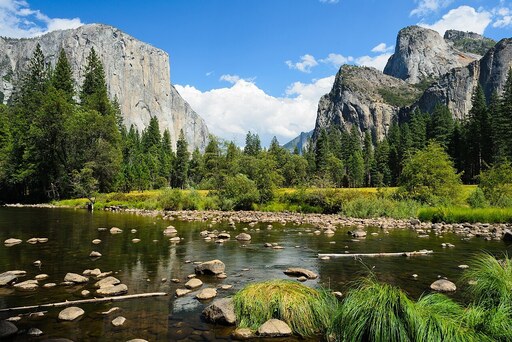
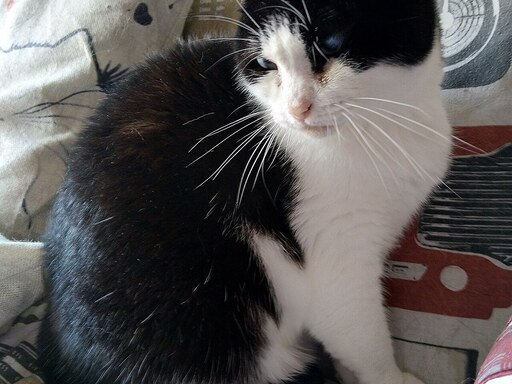
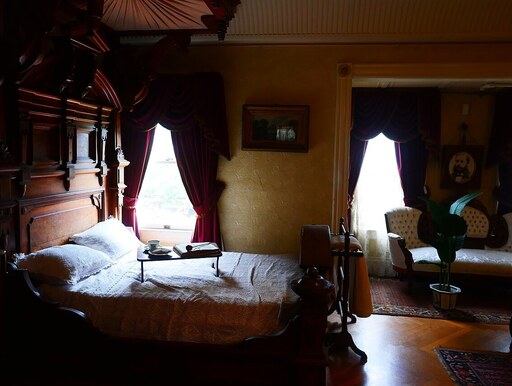
…or drop / choose your own image
Task — the same model, steered by a token
The result appears here.
backend –task –tokens –time –
See inside — task token in, raw sequence out
Florence-2 has no separate heads for detection, OCR, and captioning — every task is the
same text-to-text generation, differing only by the token you prepend. Below is the
exact prompt the processor built, the raw decoded sequence the
model emitted (special location tokens like <loc_512> and all), and the
parsed result after post_process_generation. The large model tends to
emit longer, more complete sequences than the base — visible right here in the raw output.
Task token / constructed prompt
Run a task to see the prompt.
Raw model output (before post-processing)
The raw generated sequence appears here.
Parsed result
The structured result appears here.
Why it matters
The large checkpoint is the one you reach for when the base model's answer is close but not quite
good enough — a caption that misses a detail, a detection that drops a small object, OCR that
garbles a hard font. Same single download, same task-token API; you're trading download size and
GPU memory for accuracy.
Higher-fidelity alt-text — richer, more specific descriptions for accessibility.
More complete detection — catches smaller and more crowded objects for moderation, inventory, or analytics.
Tougher OCR — reads harder fonts, angles, and low-contrast text than the base model.
Precise grounding — "segment the red car" lands more accurately for smart cut-out and annotation.
Identical to the base model — only the checkpoint id changes. Build the prompt from a task token,
run the processor over the image and prompt, generate, decode, then post-process:
This page runs exactly that in a Web Worker, and gates on a real WebGPU adapter first — with none it shows a labelled needs-WebGPU state instead of a fake result.