MediaPipe's HandLandmarker finds hands in an image or video and returns 21 landmarks
for each — every knuckle and fingertip — as normalized x/y/z coordinates, plus whether it's a
left or right hand. It's a real downloadable .task model that runs on-device via
WebAssembly (with a GPU delegate when available). Drop a photo or turn on your webcam.
21 landmarks per hand (x, y, z normalized), world landmarks, handedness
Hands
Up to 2 by default (configurable)
Delegate
GPU when a WebGPU/WebGL adapter exists, otherwise CPU (XNNPACK)
Download
~8 MB .task file, cached by the browser after first load
License
Apache-2.0 (Google MediaPipe)
Web APIs
WebAssembly, Web Workers (off-thread inference), Canvas, getUserMedia, requestVideoFrameCallback, transferable ImageBitmap — all Baseline widely available
Run it
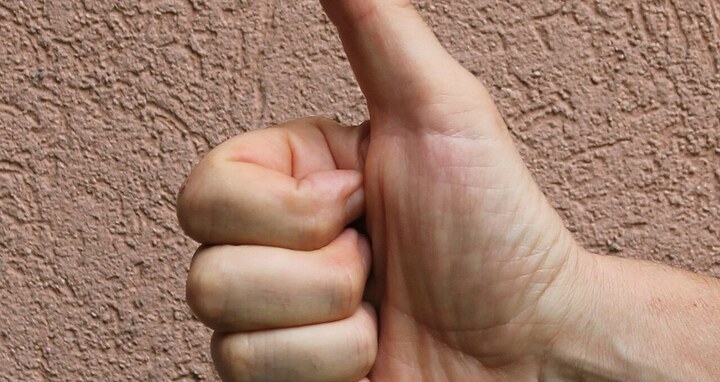
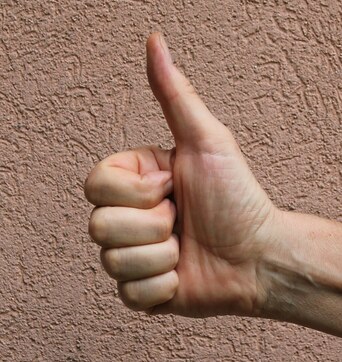
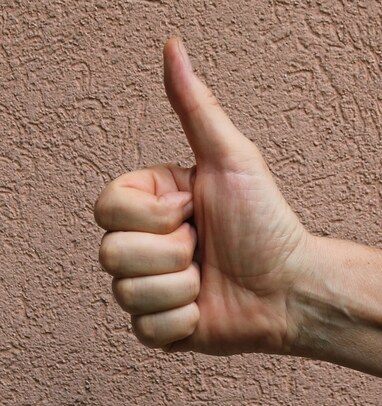
Pick a sample hand photo, drop your own, or use your webcam. The 21 landmarks and the hand skeleton are drawn straight onto the canvas.
Drop a hand photo here, or click to choose
delegate –latency –hands –
See inside
Every hand comes back as 21 named landmarks — wrist, then four joints per finger from base to
tip — each a normalized x, y (0–1 across the image) plus a relative depth
z. Handedness ("Left"/"Right", from the camera's point of view) has its own
confidence. Below is the raw list for the first detected hand — exactly what the model returned.
Detect a hand to see its 21 landmark coordinates.
hands found –hand 1 –landmarks –
#
landmark
x
y
z
Why it matters
Hand tracking used to need a depth camera or a native SDK. HandLandmarker turns "where are the
fingers?" into a local function call in any browser — private, offline, and fast enough for a
live camera on a phone.
Touchless UI — control a page with gestures: pinch to zoom, swipe, or point, no controller.
Sign-language & learning tools — build fingerspelling practice or gesture games that work on-device.
Creative & AR — draw in the air, place virtual rings/props, or drive a puppet with your hand.
Accessibility — map custom hand poses to actions for people who can't use a mouse or keyboard.
This page loads the model through the showcase's shared auto-init loader and runs the landmarker inside a dedicated Web Worker — the main thread grabs each frame with createImageBitmap, transfers it to the worker (one frame in flight), and only draws the returned landmarks, so a live camera stays smooth. For the webcam it switches the task to VIDEO mode and calls detectForVideo per frame off the main thread.