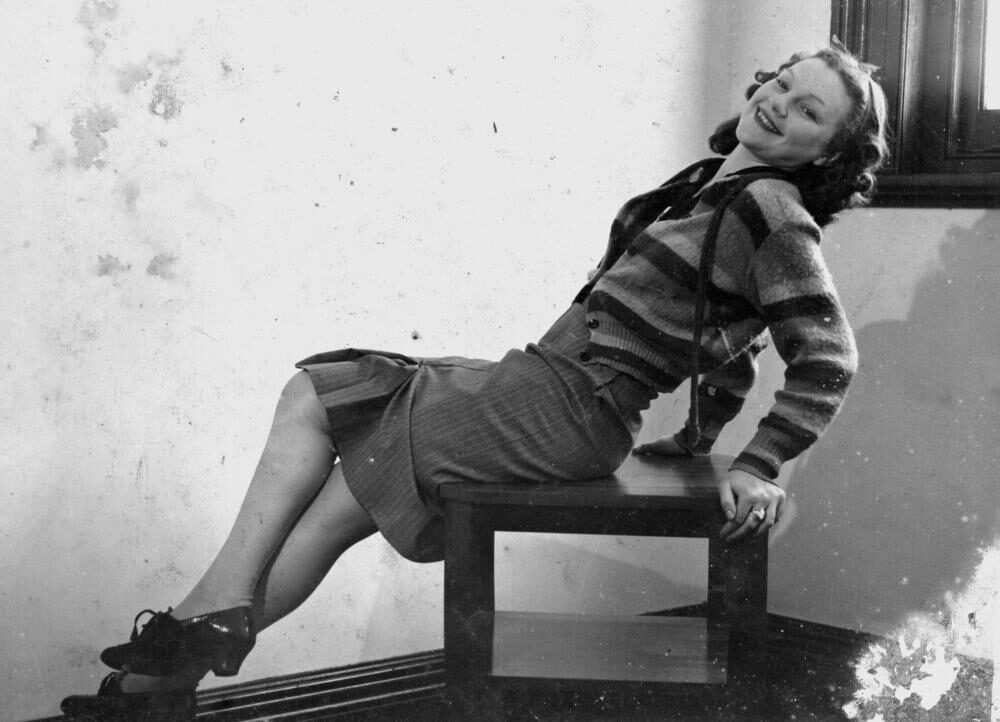
A workflow a shop would actually ship: drop a product/team/portrait photo, keep only the
person pixels, and download a transparent PNG for a listing, a badge, or a
slide. No upload — the matte is computed on your device.
Cut out the person
Drop a photo here, or click to choose
person coverage –person confidence –latency –
No person pixels were found in this photo — try one with people in it.
How it works
The model's category mask says which pixels are person. The page keeps exactly
those pixels of the photo and makes the rest transparent (the checkerboard shows through).
"Download PNG" exports that transparency — the coloured backdrop is only a preview. Because
DeepLab labels every person in frame, group shots cut out everyone at once.