MediaPipe's PoseLandmarker finds a person in an image or video and returns 33 body
landmarks — eyes, shoulders, elbows, wrists, hips, knees, ankles, feet — each with a
normalized position and a visibility score. It's a real downloadable .task model
that runs on-device via WebAssembly. Drop a photo or turn on your webcam.
33 landmarks (x, y, z normalized + visibility), plus world landmarks in metres
People
1 by default (configurable)
Delegate
GPU when a WebGPU/WebGL adapter exists, otherwise CPU (XNNPACK)
Download
~10 MB .task file (Lite), cached by the browser after first load
License
Apache-2.0 (Google MediaPipe)
Web APIs
WebAssembly, Canvas, getUserMedia, requestVideoFrameCallback — all Baseline widely available
Run it
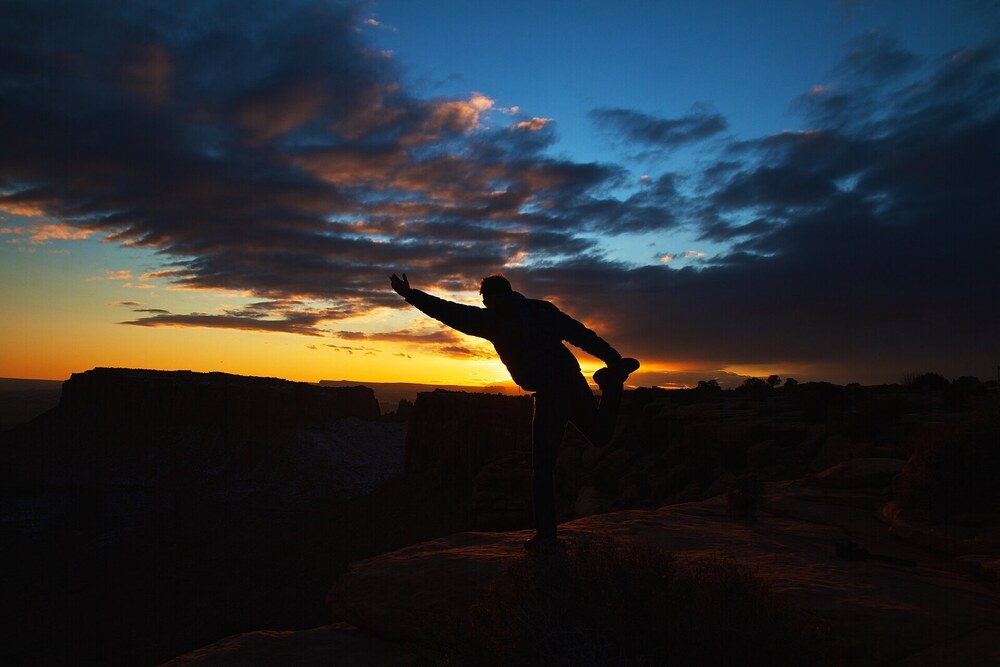
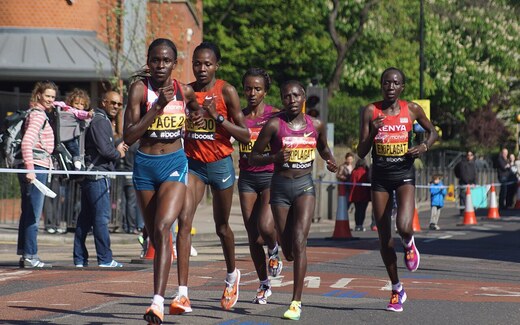
Pick a sample photo, drop your own, or use your webcam. The 33 landmarks and the body skeleton are drawn straight onto the canvas; the visibility slider hides low-confidence joints.
Drop a photo of a person here, or click to choose
delegate –latency –people –visible joints –
See inside
The pose comes back as 33 named landmarks, each a normalized x, y (0–1 across the
image), a relative depth z, and a visibility (how confident the model
is that the joint is actually in frame — low for occluded or off-screen parts). The slider above
uses exactly this number. Below is the raw list for the detected person.
Detect a pose to see its 33 landmark coordinates.
#
landmark
x
y
z
visibility
Why it matters
Body tracking used to mean a Kinect or a cloud vision API. PoseLandmarker turns "where is this
person's body?" into a local function call in any browser — private, offline, and fast enough
for a live camera.
Fitness & physio — count reps, check squat depth or plank alignment, and give form feedback with nothing uploaded.
Motion control — drive an avatar, a game, or a presentation with your body.
Ergonomics & safety — flag slouching at a desk or unsafe lifting posture, on-device.
Sports & dance — compare a learner's pose to a target and score the match.
MediaPipe Tasks loads a .task bundle and gives you a landmarker you call per image or per video frame:
import { FilesetResolver, PoseLandmarker } from "@mediapipe/tasks-vision";

const vision = await FilesetResolver.forVisionTasks(".../wasm");
const pose = await PoseLandmarker.createFromOptions(vision, {
  baseOptions: {
    modelAssetPath: ".../pose_landmarker_lite.task",  // ~10 MB
    delegate: "GPU",                                   // or "CPU"
  },
  numPoses: 1,
  runningMode: "IMAGE",                                // or "VIDEO"
});

const result = pose.detect(imageElement);
// result.landmarks → [ [ {x,y,z,visibility} × 33 ] ]  (normalized 0–1)
// result.worldLandmarks → the same in real-world metres, hip-centred
This page loads the model through the showcase's shared auto-init loader and draws the skeleton on a canvas at the image's natural resolution; for the webcam it switches the task to VIDEO mode and calls detectForVideo each frame.