TrOCR Handwriting — read what people write by hand
Printed-text OCR is a solved problem; handwriting is not — every person's
letterforms are different. This TrOCR checkpoint is fine-tuned on the IAM handwriting
database: a Vision Transformer looks at a line of handwriting and a text decoder
writes it out, one token at a time — entirely on your device.
ViT-style image encoder → RoBERTa-style text decoder (VisionEncoderDecoder, cross-attention)
Trained on
IAM Handwriting Database — modern English handwriting, single text lines
Input
A single line of handwritten text (draw it, or crop to one line)
Output
The transcribed characters, generated token by token
Quantization
q8 (8-bit) ONNX — separate encoder + decoder graphs
Backend
WebAssembly (runs anywhere; no WebGPU needed)
Download
~64 MB, cached after first load
License
MIT (microsoft/trocr-small-handwritten)
Web APIs
WebAssembly, Web Workers, Canvas, Pointer Events, FileReader — all Baseline widely available
Run it
The most natural way to test a handwriting model: write something. Draw a
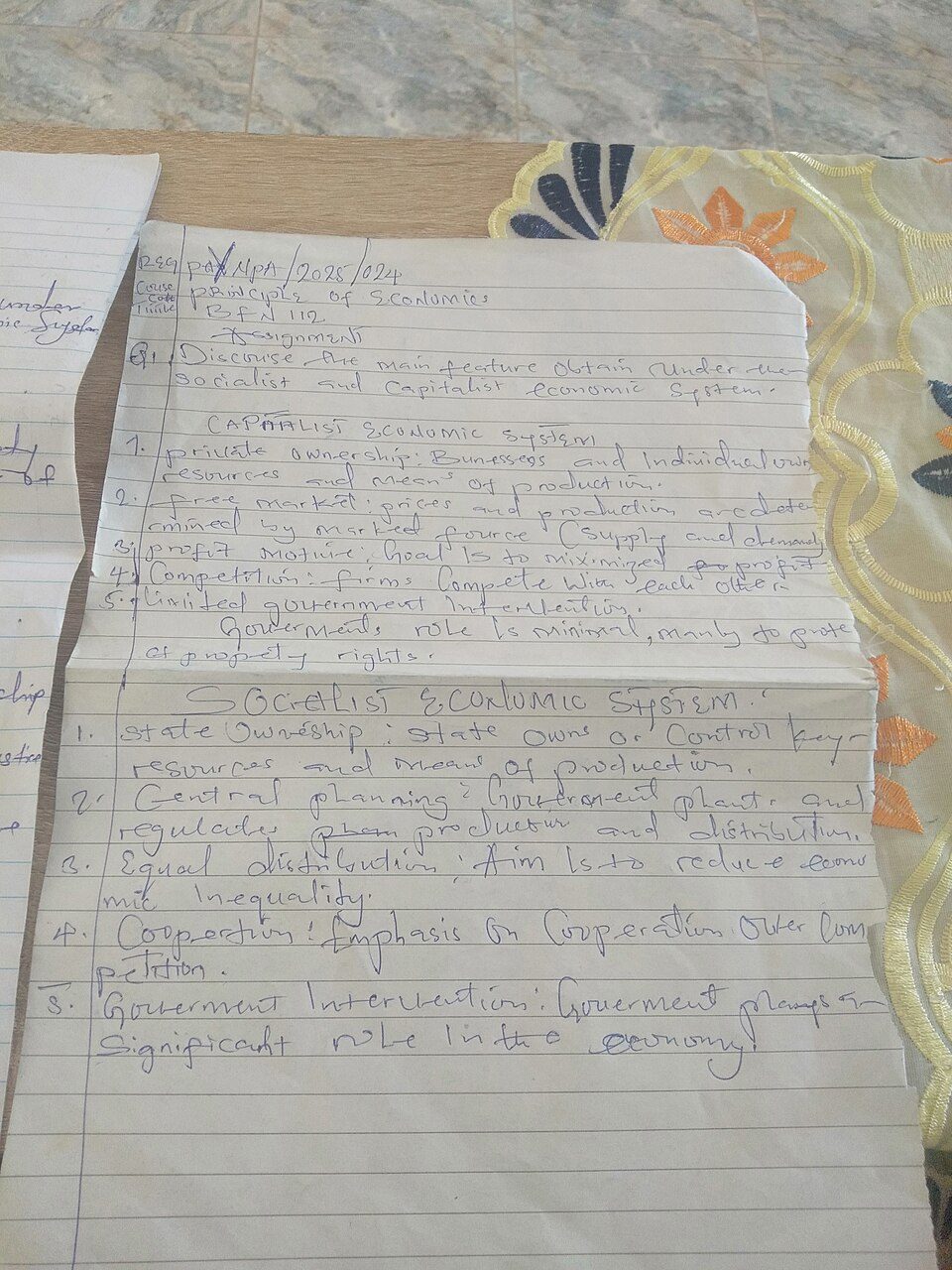
line on the pad below (mouse, finger, or pen) and hit Read — or drop a photo of a handwritten
note and drag a box around one line. TrOCR is a single-line reader.
Write a line here — then Read it.
…or use a photo / sample instead
Drop an image here, or click to choose
Drag on the image to select a line.
backend –tokens –total –speed –
See inside — the decode, token by token
Handwriting recognition here is autoregressive generation, not template
matching. The encoder reads the line into patch embeddings once; then the decoder emits the
transcription one token at a time, each conditioned on the image and everything
decoded so far — which is how TrOCR resolves ambiguous strokes from context (is that
cl or d? the surrounding word decides). The trace below shows every token
as it arrived, with the elapsed time. The first token is the slow one (it includes the image
encode); the rest come faster.
Read a line to see the token-by-token trace.
first token –tokens/sec –characters –
Why it matters
An enormous amount of the world's text is still handwriting: meeting notes, whiteboards,
forms, prescriptions, letters, historical archives. Handwriting OCR turns those pen strokes
into searchable, copyable, translatable characters — and doing it locally
means the note never leaves the device, which matters for exactly the things people write by
hand (medical, legal, personal).
Digitise handwritten notes — photograph a notebook page, read it line by line into editable text, no upload.
Pen-first input — write with a stylus or finger and get text: handwriting as a first-class keyboard alternative.
Forms & field work — read filled-in paper forms, delivery sheets, and inspection notes on-site, offline.
Accessibility — read aloud or magnify handwriting that a low-vision reader can't decipher.
import { pipeline } from "@huggingface/transformers";

const reader = await pipeline(
  "image-to-text",
  "Xenova/trocr-small-handwritten",
); // downloads + caches ~64 MB once

const out = await reader(lineImageURL, { max_new_tokens: 48 });
// → [{ generated_text: "Meeting moved to Friday 3pm" }]
The important bit is the input: TrOCR expects one line of handwriting, so
this page hands it either the drawing pad's bitmap or a cropped region of a photo. For "See
inside", it passes a TextStreamer into the same call — the streamer fires once
per decoded token, so the page renders the transcription as it forms and records each token's
arrival time, all off the main thread in a Web Worker. Note: the IAM training data
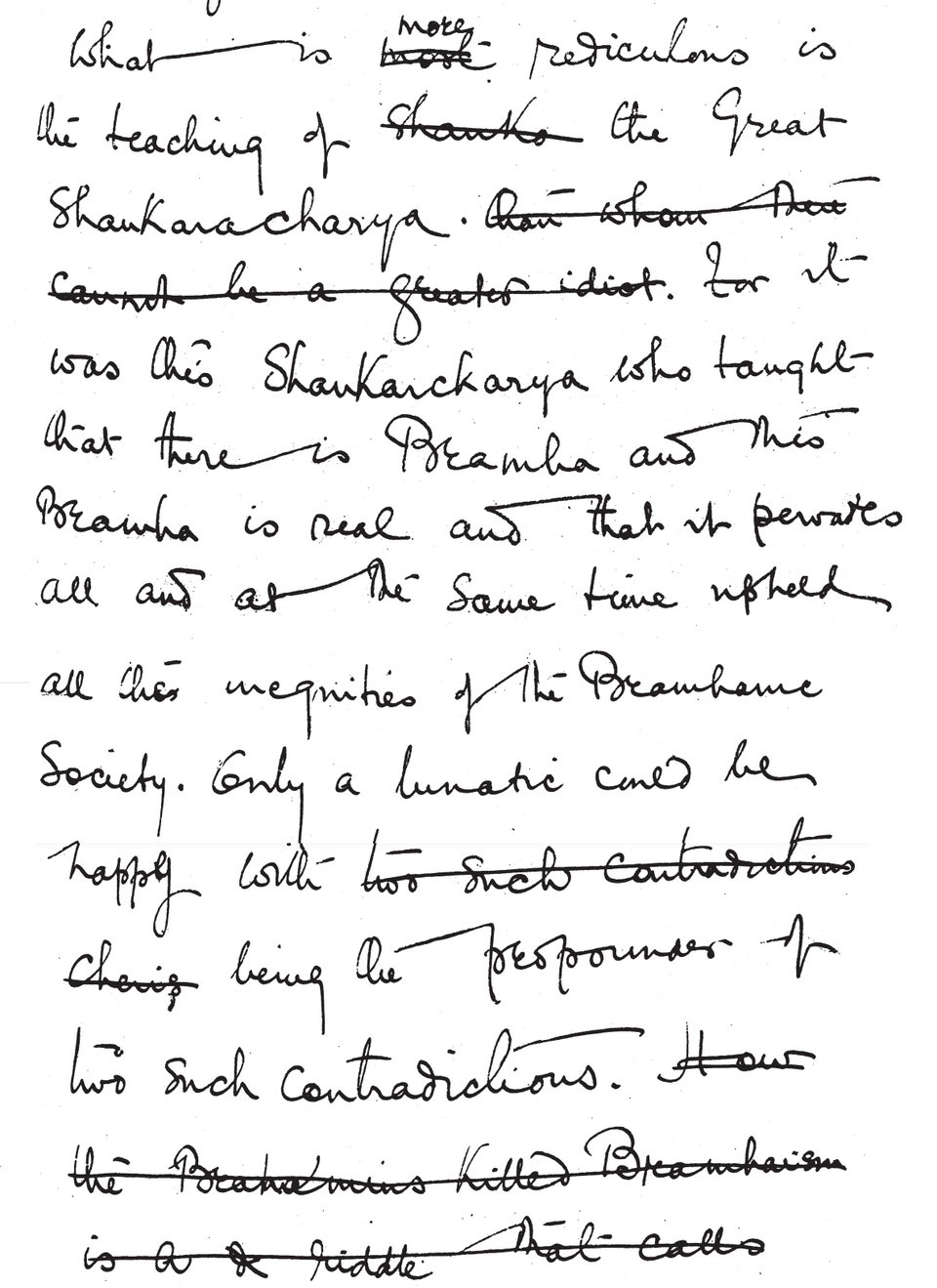
is modern English handwriting on clean lines — old copperplate, heavily crossed-out text, and
very stylised writing are honest limits, not bugs.