← All models

image-segmentation Β· vision + language Β· WASM Β· ~140 MB

CLIPSeg β€” segment by describing it

Most segmenters know a fixed list of classes. CLIPSeg doesn't: you type a phrase in plain language β€” the dog, shadows, the road, the warmest area β€” and it returns a per-pixel score map for exactly that phrase. It's open-vocabulary, text-prompted segmentation: point at things with words, not with a class menu or a mouse click. All on your device.

At a glance

ModelXenova/clipseg-rd64-refined (ONNX build of CIDAS/clipseg-rd64-refined)
Task / pipelineimage-segmentation β€” text-prompted (CLIPSegForImageSegmentation)
ArchitectureFrozen CLIP ViT-B/16 backbone + a lightweight FiLM-conditioned transformer decoder (reduce-dim 64, "refined")
PromptAny free-text phrase(s) β€” no fixed label set. Output is one 352Γ—352 score map per phrase.
Quantizationq8 (8-bit) ONNX β€” model_quantized.onnx
BackendWebAssembly (runs anywhere; no WebGPU needed)
Download~140 MB, cached after first load
LicenseApache-2.0
Web APIsWebAssembly, Web Workers, Canvas, FileReader β€” all Baseline widely available

Run it

Pick or drop a photo, type one or more phrases (comma-separated), and hit Segment. Each phrase gets its own colour. Drag the threshold to tighten or loosen every mask; drag opacity to fade between your photo and the masks.

Drop a photo here, or click to choose
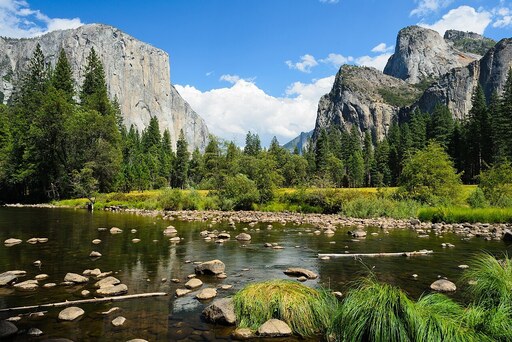
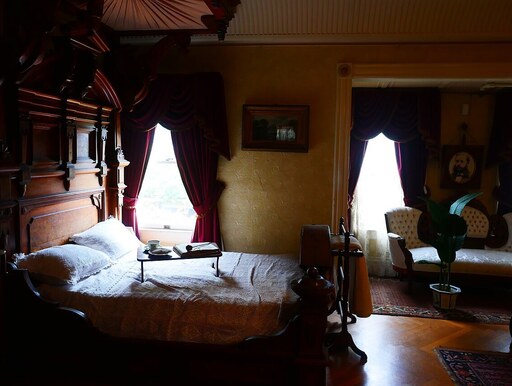
Two cats on a couch by a wall A riverside landscape at golden hour with sky, water and trees A cozy bedroom interior with wall, floor and furniture
0.50
0.55

See inside β€” the raw probability heatmap

A mask is just a threshold on a probability. Before we cut anywhere, CLIPSeg gives every one of the 352Γ—352 pixels a score for your phrase. Here's that raw field for one phrase β€” dark = "definitely not this", bright = "definitely this". Slide the threshold above and watch the mask boundary sweep across this gradient. That's the whole decision, made legible.

Probability field

0.0 β€” not this1.0 β€” this

Per-phrase readout

Why it matters

CLIPSeg turns "select the thing I mean" into a text box. There's no training a new segmentation head per class, no fixed taxonomy, and no click-to-prompt β€” just words. Because it runs in the browser, you can localize anything a user can describe without a byte of their image leaving the tab.

Use cases

Basics

Type a phrase, get a mask. Compare several phrases side by side on one photo.

Practical

Isolate an object on a transparent background, or privacy-blur exactly what a phrase names.

Wild

Segment abstract concepts β€” "the warmest area", "the safest place to walk", "where to look first".

Multi-model

CLIPSeg localizes a phrase β†’ crop the region β†’ a ViT classifier names what's actually there.

How the API works

CLIPSeg is a model class, not a one-call pipeline β€” because it takes both an image and text. For this ONNX repo the processor bundles an image processor only, so we load the text tokenizer separately and batch the phrases against one image:

import {
  AutoTokenizer, AutoProcessor, CLIPSegForImageSegmentation, RawImage,
} from "@huggingface/transformers";

const tokenizer = await AutoTokenizer.from_pretrained("Xenova/clipseg-rd64-refined");
const processor = await AutoProcessor.from_pretrained("Xenova/clipseg-rd64-refined");
const model     = await CLIPSegForImageSegmentation.from_pretrained(
  "Xenova/clipseg-rd64-refined", { dtype: "q8" });

const image  = (await RawImage.read(url)).rgb();
const texts  = ["a cat", "the couch"];
const text   = tokenizer(texts, { padding: true, truncation: true });
const pixels = (await processor(image)).pixel_values;      // [1, 3, 352, 352]

// tile pixels to [texts.length, 3, 352, 352] so every phrase shares the image
const { logits } = await model({
  input_ids: text.input_ids, attention_mask: text.attention_mask, pixel_values,
});
// logits: [texts.length, 352, 352] β€” a RAW per-pixel score map per phrase.
// mask = sigmoid(logits) > threshold, upscaled to the image.

The score maps are 352Γ—352 (the model's working resolution); we upscale to your photo for display. Everything runs in a Web Worker so the sliders stay smooth while a forward pass is in flight.

References