← All models · Face Parsing

use case · practical

Practical: digital makeup

Knowing which pixels are "upper lip" or "hair" lets you recolour just those — no manual masking, no upload. Parse a face once, then pick parts (lips, hair, brows, eyes…), choose a colour, and dial the strength. Everything after the single model pass is an instant on-device canvas composite over the part map.

Drop a face photo, or click to choose
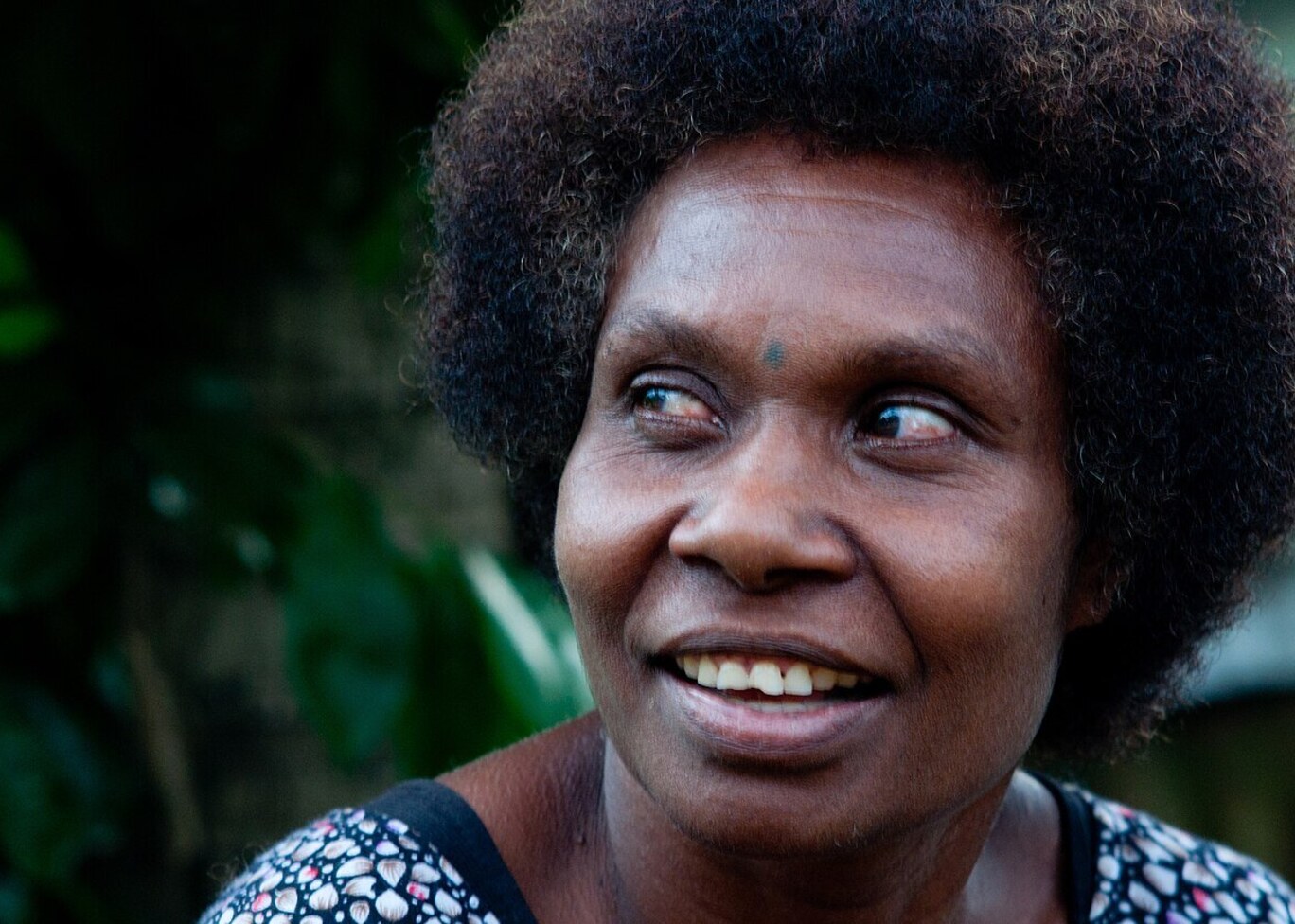
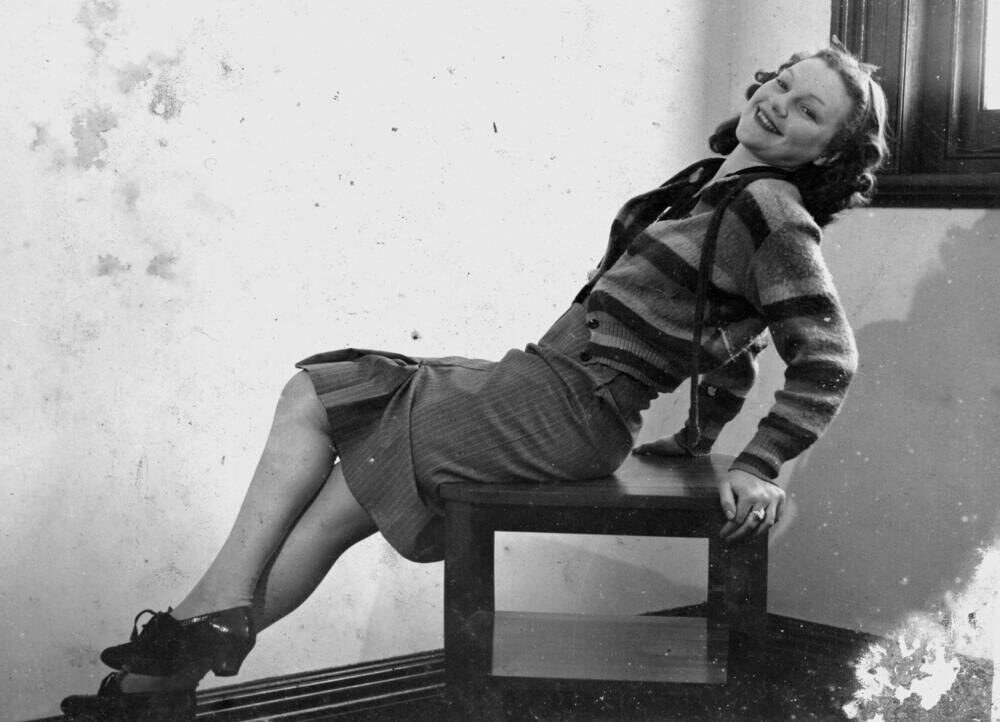
Sample face, broad smile Sample face wearing glasses Sample face, soft neutral expression Public-domain studio portrait, 1940s

Recolour these parts

Parse a face first.

Original

Made up

The recolour tints only the pixels the model assigned to the chosen parts, blended over the original at your chosen strength. Nothing is uploaded.

← Basics · Face Parsing · Wild →