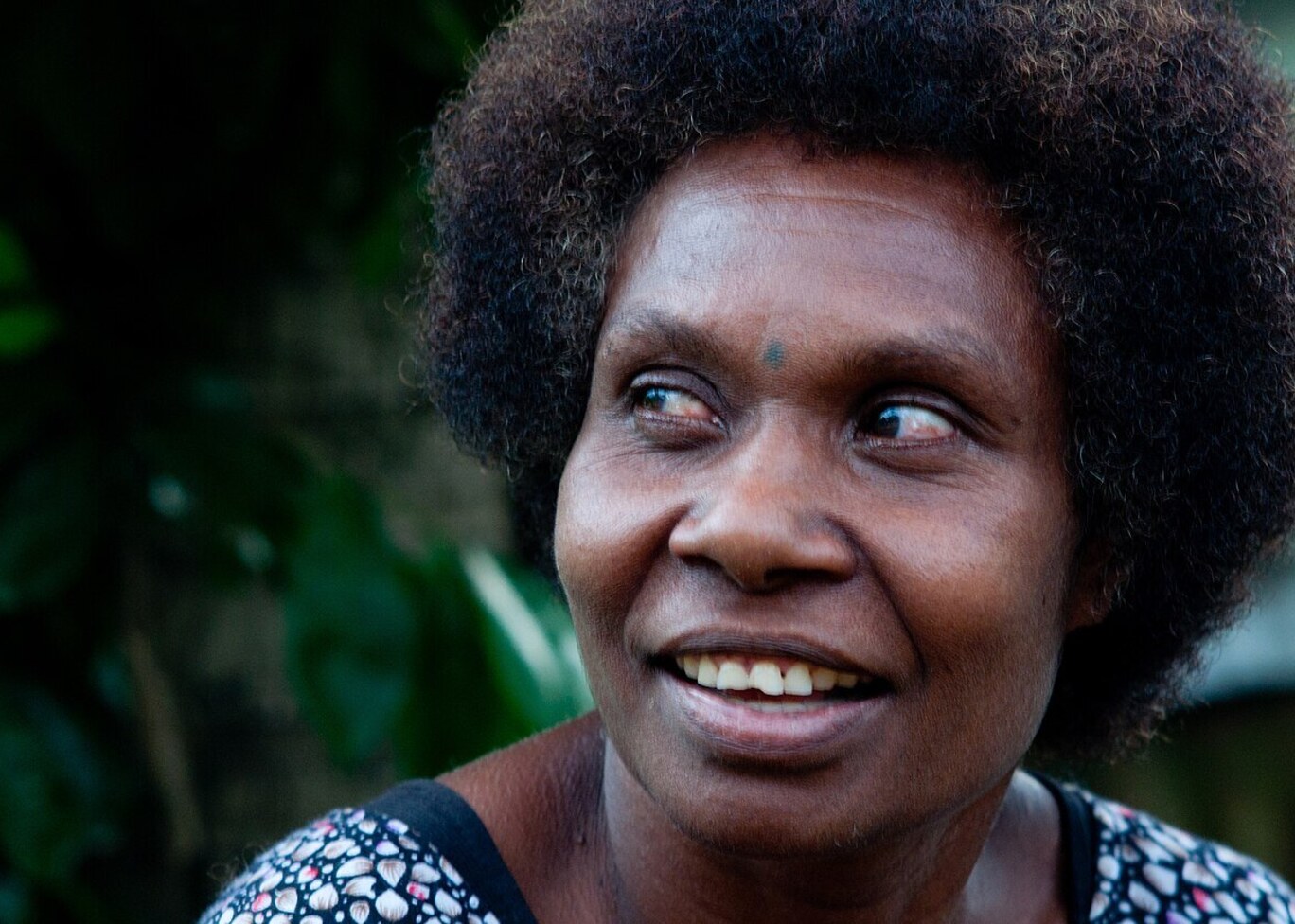
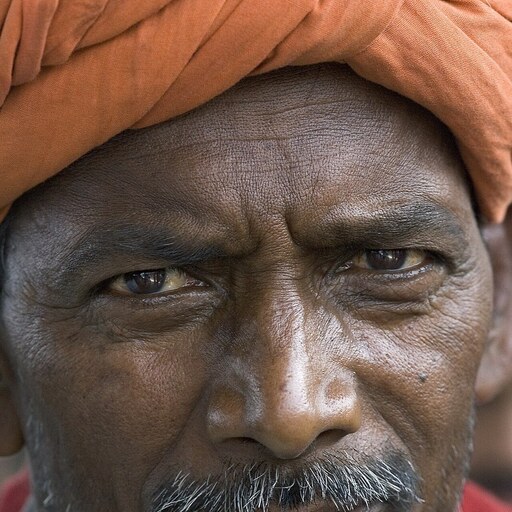
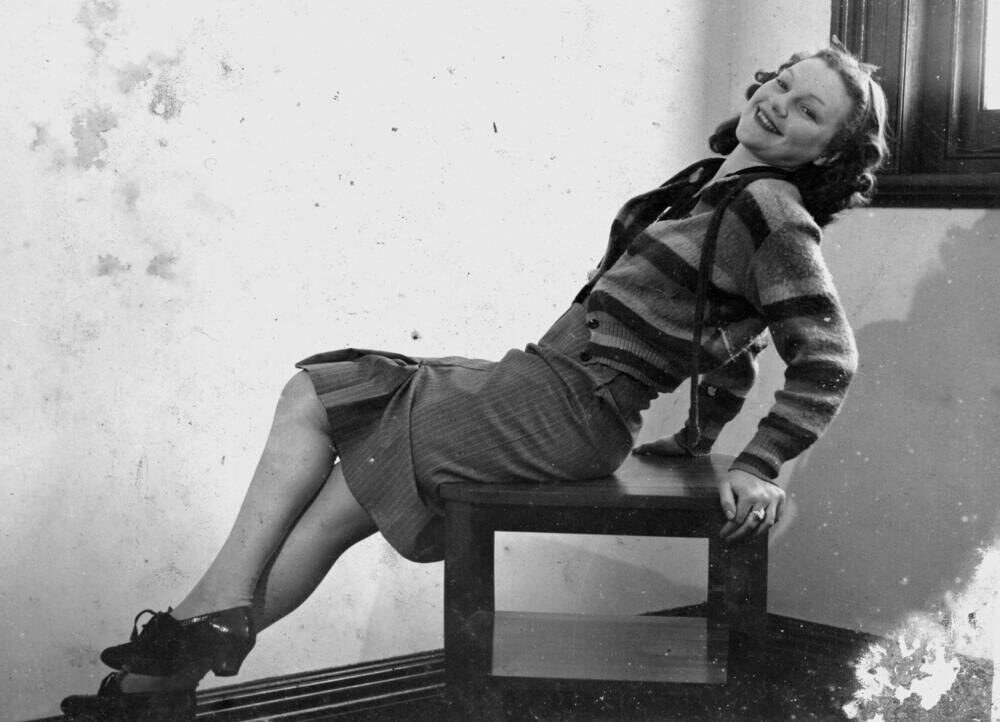
This is fine-grained face segmentation: not "cut out the head" and not "find the face
box" — every single pixel of a face is classified into one of 19 parts (skin,
hair, left/right eye, brows, nose, upper/lower lip, ears, neck, glasses, hat, clothing…). Pick a
portrait and watch it become a colour-blocked map of facial regions, entirely on your device.
A different job from the face demos already here: face detection
draws a box, face landmarks place points, and
portrait matting cuts the whole person out.
Face parsing labels the interior — the actual pixels of hair vs skin vs lips vs eyes.
WebAssembly, Web Workers, Canvas, FileReader — all Baseline widely available
Run it
Pick or drop a face photo and hit Parse. Every pixel gets a part label; the map is drawn over your photo. Slide the opacity to fade between the photo and the pure colour map.
Drop a face photo here, or click to choose
Part legend
Run parsing to label the face.
backend –latency –parts found –map resolution –
See inside
The model outputs a score for every one of the 19 parts at every pixel, then takes the
argmax — the winning part per pixel — to make the label map. On the left is that
map on its own (the raw model output, no photo). On the right, the part distribution: how much of
the frame each part claimed. That coverage vector is a compact "how is this face composed?"
signature — useful for cropping, framing, or driving region-aware edits.
Run parsing to see the label map and part distribution.
Argmax label map (raw output)
Per-part coverage
Why it matters
A per-pixel face-part map is the raw material for portrait and avatar features — and having it run
locally means you can analyse or edit a face without uploading someone's photo to a server.
Digital makeup & recolour — tint only the "lips," recolour only the "hair," brighten only the "skin" — precise, region-aware edits with no manual masking.
Beauty & AR try-on — the eye/brow/lip masks are exactly what a lipstick, blush, or coloured-contact preview needs, computed on-device for privacy.
Portrait tooling — smart crop to the face, blur just the background around parsed skin+hair, or check that a headshot frames hair and neck properly.
Dataset & annotation prep — auto-label face parts to bootstrap a training set, or QA an avatar pipeline, without sending faces off the device.
Face parsing is the standard Transformers.js semantic-segmentation pipeline. It returns one entry per part present, each with a full-resolution mask:
import { pipeline } from "@huggingface/transformers";

const parse = await pipeline(
  "image-segmentation",
  "Xenova/face-parsing",
); // downloads + caches ~90 MB once

const output = await parse(imageURL);
// → [{ score: null, label: "skin", mask: RawImage },
//    { score: null, label: "hair", mask: RawImage },
//    { score: null, label: "l_eye", mask: RawImage }, … ]
//   each mask is 0/255 for that part; together they tile the whole image
This page runs that in a Web Worker, then folds the per-part masks into a single colour-coded
overlay (argmax per pixel) and a per-part pixel count — so the map, legend, and coverage bars are
all views of the one label map the model produced. Nothing is uploaded.