See inside
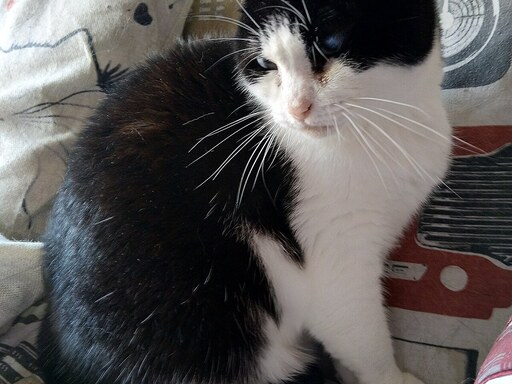
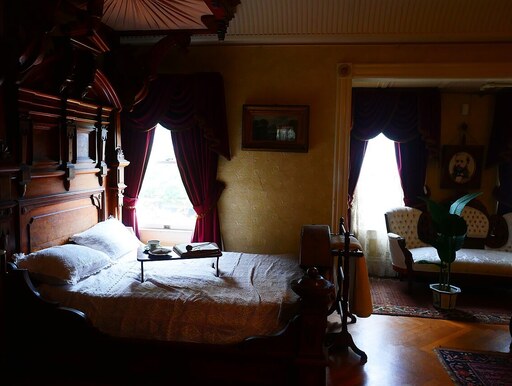
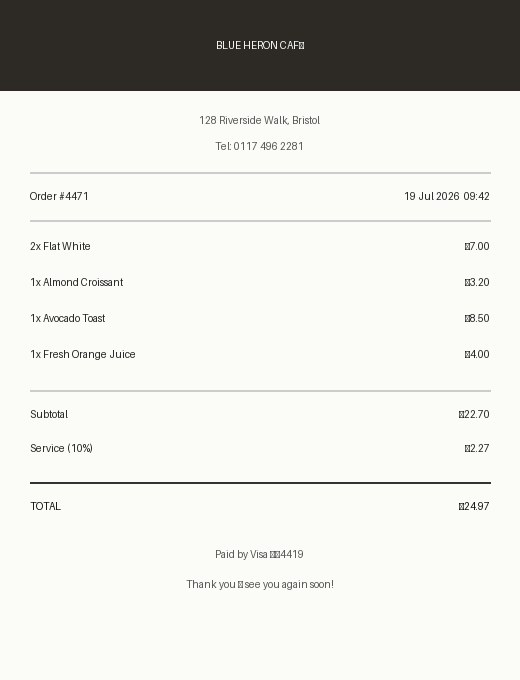
nanoLLaVA follows the LLaVA recipe: your image is encoded to a grid of visual tokens that replace
the <image> placeholder inside a ChatML template, alongside a
system persona and your question. Below is the exact templated prompt the
tokenizer receives, and the live token stream with the time each token arrived —
so you can watch it reason and see where the latency goes.
Constructed ChatML prompt
Run a generation to see the templated prompt.
Token stream (value · ms since start)
Tokens appear here as they're generated.
How the API works
nanoLLaVA uses the LLaVA model class. You build a ChatML message list with a system line and a
user turn that embeds the <image> placeholder, template it, tokenize, run the
image through the processor, then generate — streaming tokens as they come:
import { AutoProcessor, AutoTokenizer, LlavaForConditionalGeneration, RawImage, TextStreamer }
  from "@huggingface/transformers";

const model_id = "Xenova/nanoLLaVA";
const tokenizer = await AutoTokenizer.from_pretrained(model_id);
const processor = await AutoProcessor.from_pretrained(model_id);
const model = await LlavaForConditionalGeneration.from_pretrained(model_id, {
  dtype: { embed_tokens: "fp16", vision_encoder: "fp16", decoder_model_merged: "q4f16" },
  device: "webgpu",                        // WebGPU required
});

const messages = [
  { role: "system", content: "Answer the question." },
  { role: "user", content: `<image>\n${prompt}` },
];
const text = tokenizer.apply_chat_template(messages, { tokenize: false, add_generation_prompt: true });
const text_inputs = tokenizer(text);
const image = await RawImage.fromURL(imageURL);
const vision_inputs = await processor(image);

const streamer = new TextStreamer(tokenizer,
  { skip_prompt: true, skip_special_tokens: true, callback_function: (t) => append(t) });
await model.generate({ ...text_inputs, ...vision_inputs, do_sample: false, max_new_tokens: 150, streamer });
This page runs exactly that, in a Web Worker, and gates on a real WebGPU adapter first — if none exists it shows a labelled needs-WebGPU state instead of a fake answer.