← All models · Nougat

use case · basics

Basics: transcribe a page to Markdown

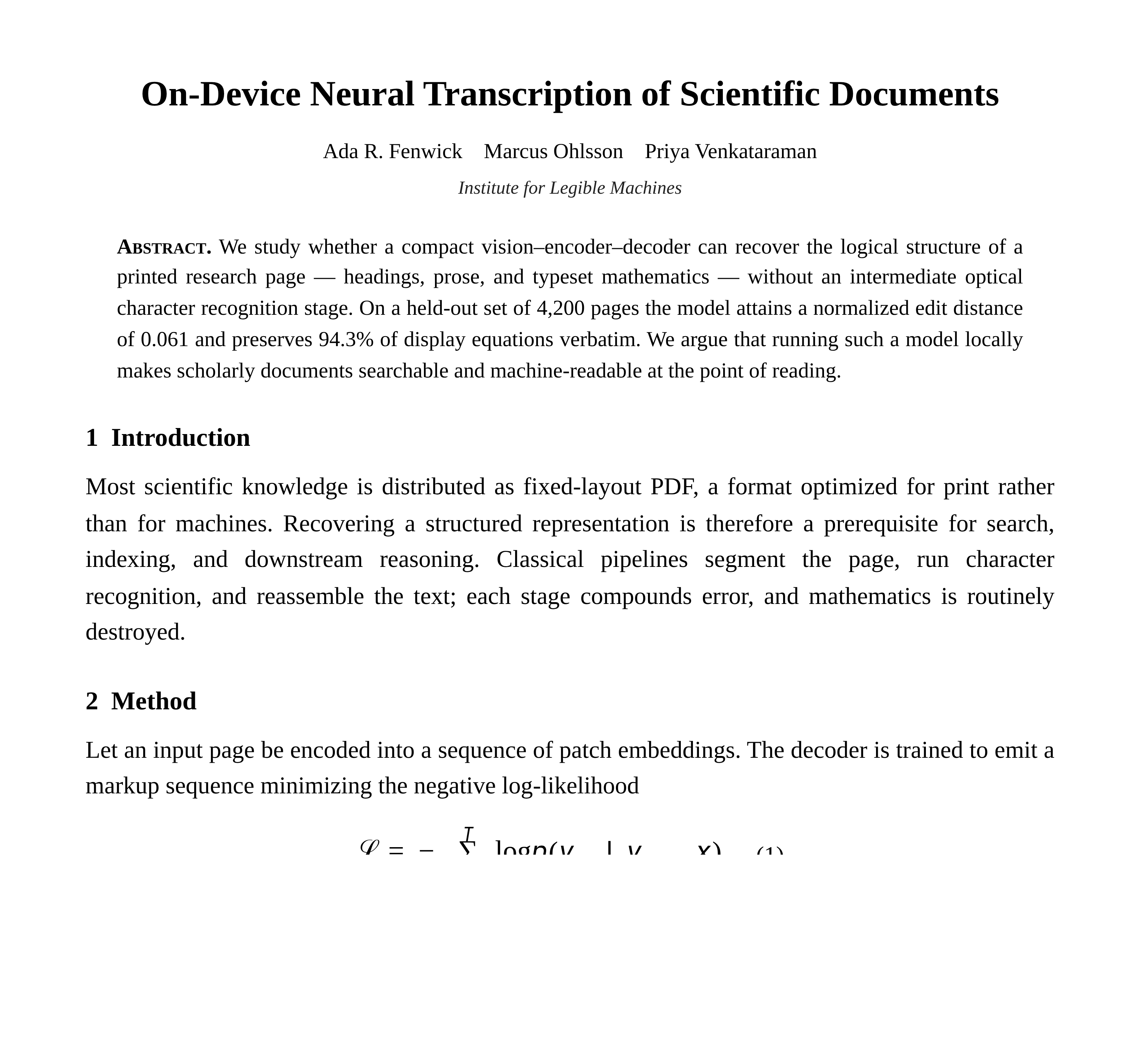
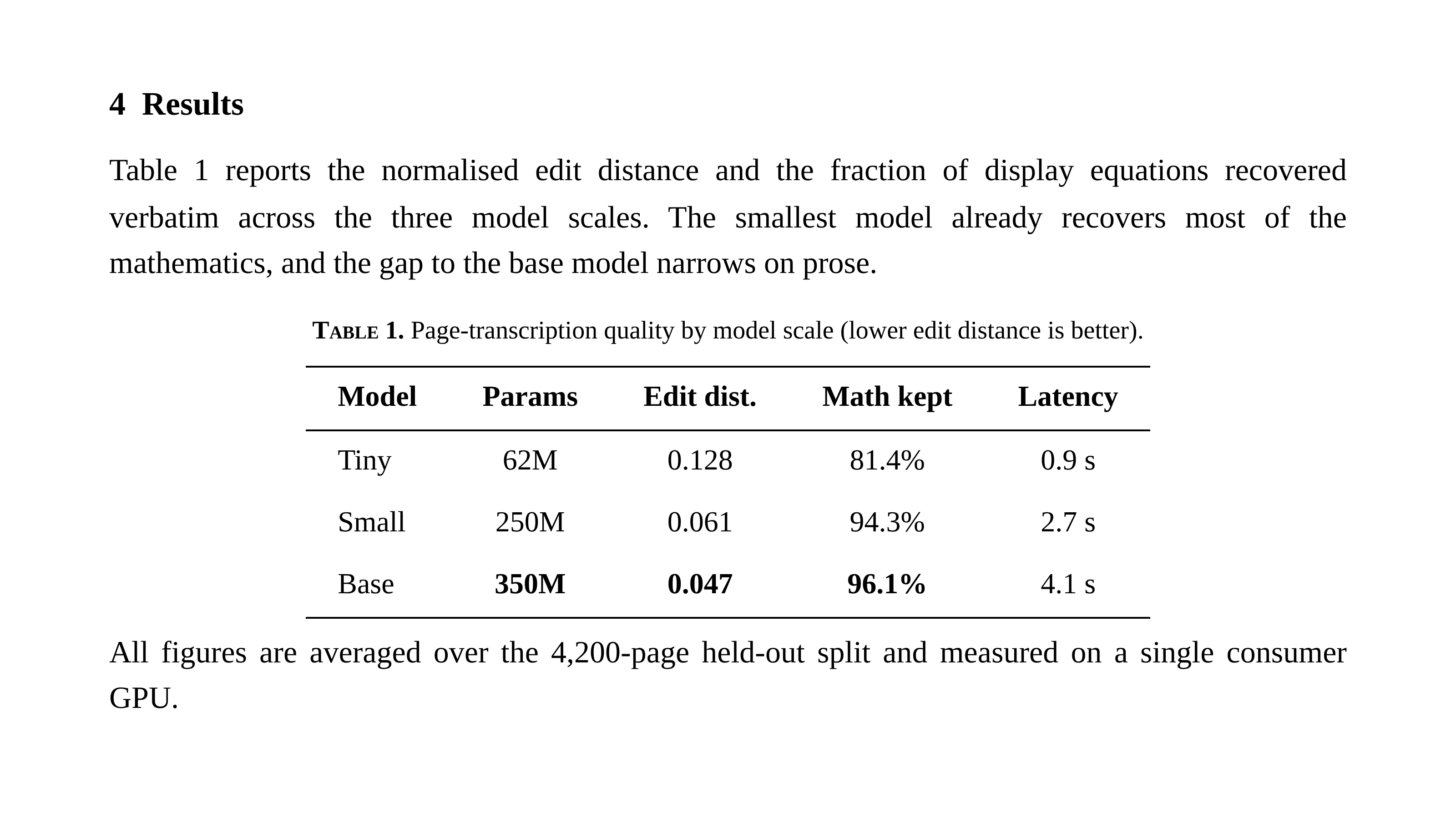
The plain capability. Pick a research page, hit Transcribe, and watch Nougat rebuild it as Markdown — a # title, section headings, prose — one token at a time, entirely on your device.

A research page with title, abstract, and an equation A results section with a table
Selected document page

The transcribed page will appear here.

Notice what plain OCR would have thrown away: the heading levels and paragraph breaks. Nougat generates them because it was trained on the Markdown of real papers, so it has learned what a page's structure looks like — not just its characters.

← Back to Nougat · Next: Practical →