Drop an image, or click to choose

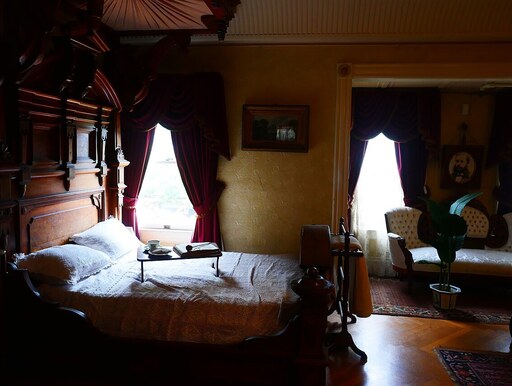

Click the image, or focus it and use arrow keys + Enter. Preset points:
backend –encode –segment –IoU –
use case · basics
The whole idea in its simplest form. Load the model, pick an image, then click on anything — SlimSAM hands back a pixel-perfect mask of the object under your click, plus its own confidence (predicted IoU) in that mask.
Click the image, or focus it and use arrow keys + Enter. Preset points:
← Back to SlimSAM · Next: Practical →