← SmolDocling

Basics Β· image-text-to-text Β· DocTags

One page in, structured DocTags out

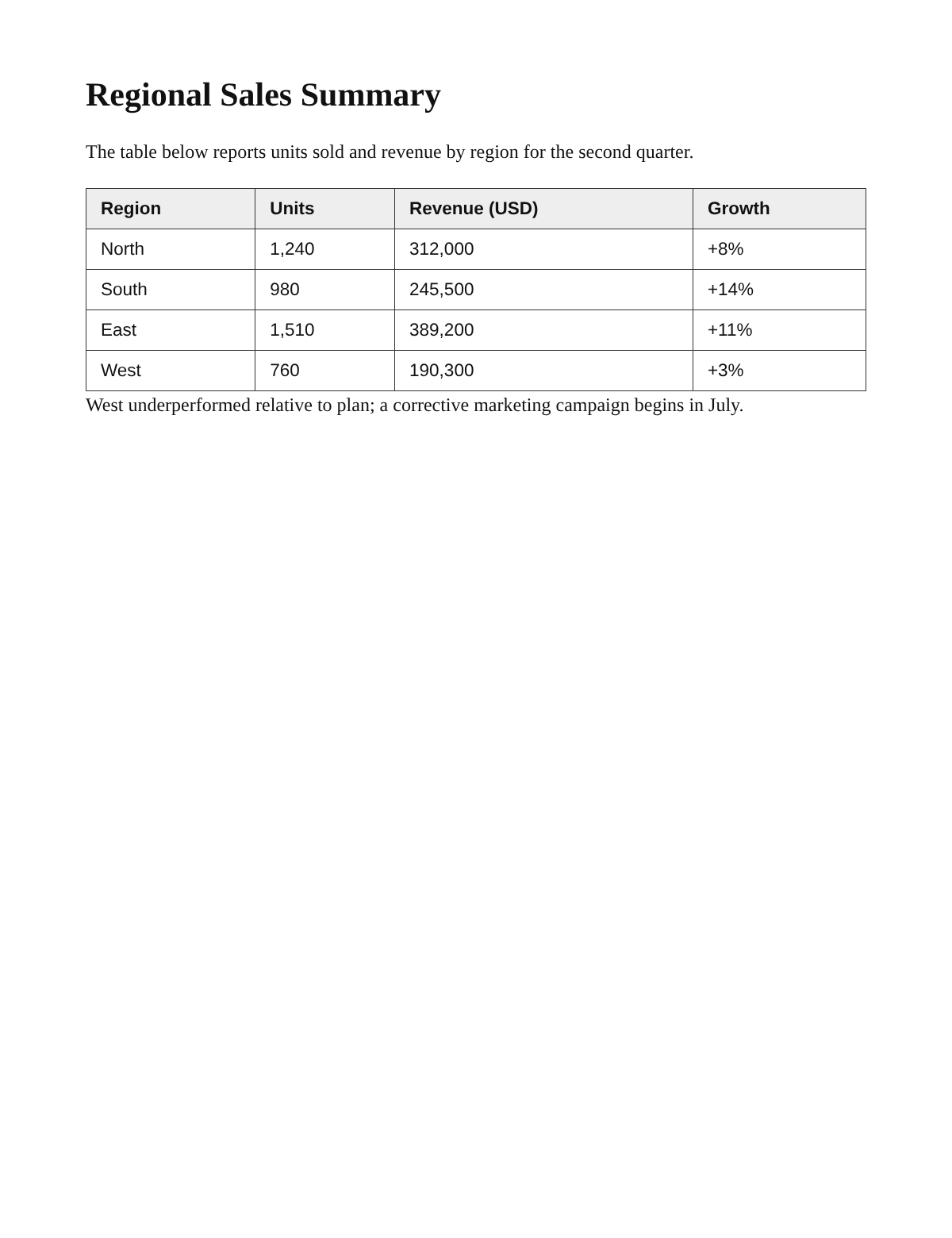
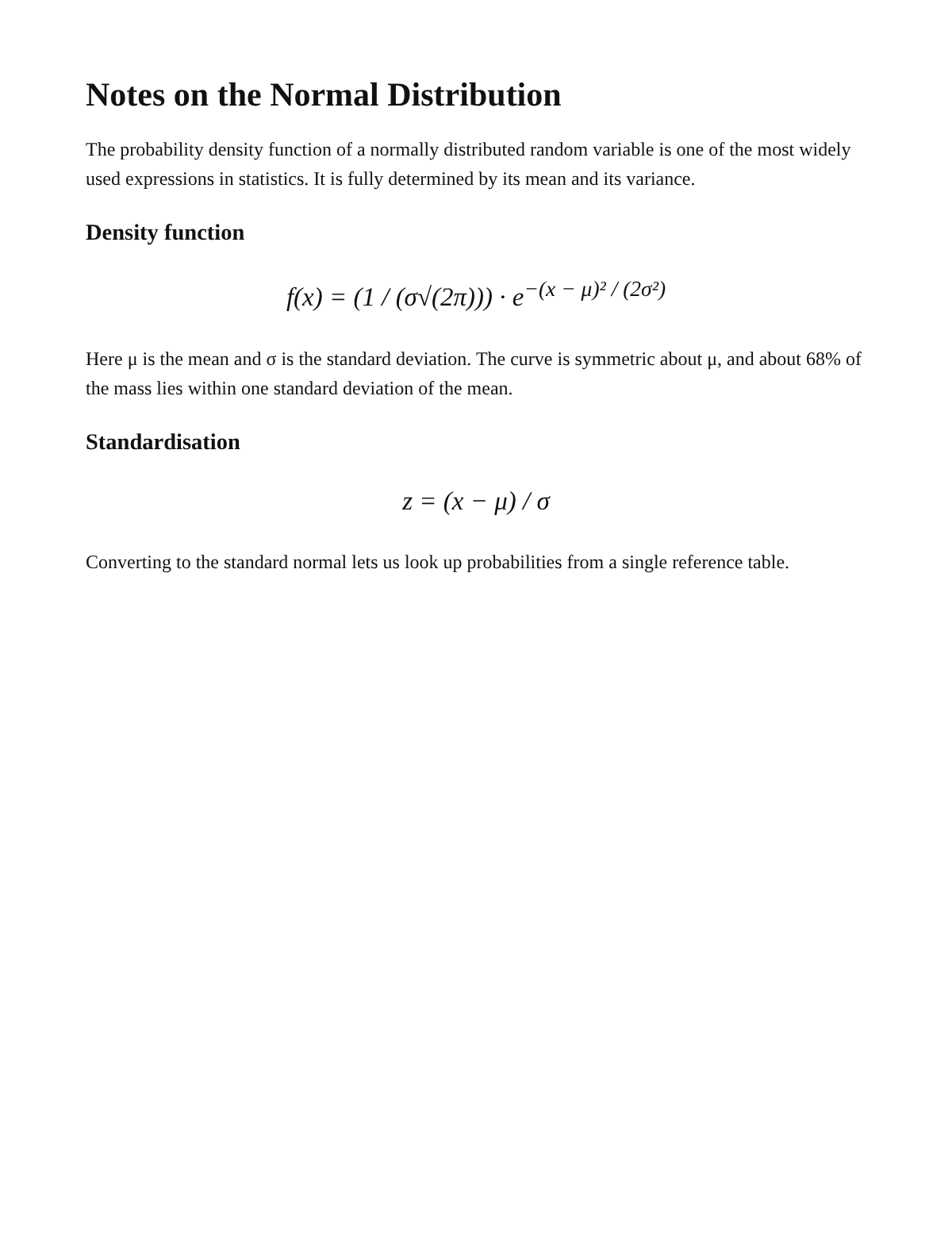
The core capability, plainly: pick a document image and SmolDocling reads it into DocTags β€” a tagged structure of headings, paragraphs, tables and formulas β€” entirely on your device. Below, the tags are parsed into a legible element list.

Run it

The document image the model will read

Pick a sample, or drop your own page image:
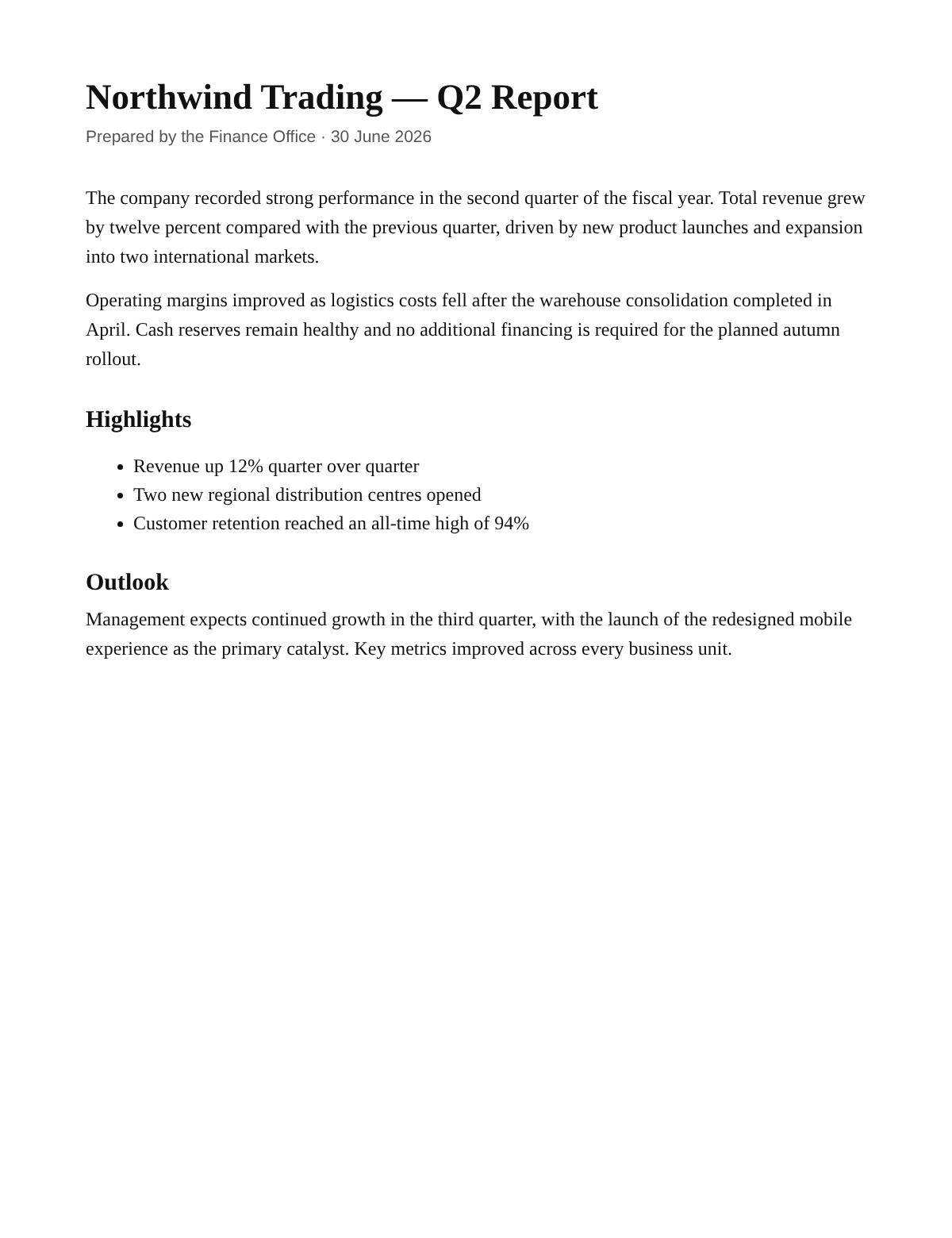
A business report page with headings and a bullet list A document containing a four-column data table A page with headings and mathematical formulas
Drop / choose a page image

Structured document

The parsed structure will appear here.

What's happening

The page image is split into tiles and turned into image tokens; the decoder then generates one long DocTags string β€” element tags interleaved with <loc_n> coordinate tokens. We parse that string into the element list you see. No layout heuristics run on our side β€” the structure is the model's output.

Next rung: Practical β€” export the structure to Markdown β†’