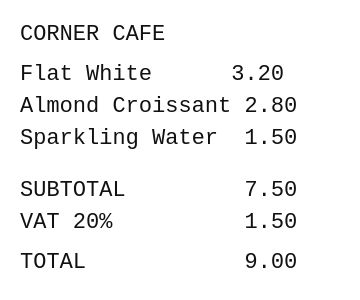
A single-line reader becomes a document scanner when you feed it one line at a time. Box a line,
read it, and it drops into a list you can edit and copy — the workflow behind expense capture and
paperwork digitisation, running entirely on your device with nothing uploaded.
Drop a receipt/document image, or click to choose
Drag a box around one line, then click Read line. Repeat down the receipt.
Why line-by-line? TrOCR reads one line per call, which keeps each read fast and lets you skip
noise. A full layout-aware document model (see Donut) takes the
whole page at once — different trade-off, same on-device privacy.
Workflow 2 — capture + validate a serial number
The accuracy play: serials, SKUs, and licence keys are small, dense, and unforgiving — one wrong
character is a wrong part. Box the code on the label, read it with the base model, and the page
checks it against the expected format SN 4B7X-9021-KD (letters/digits, grouped).