1 · Pick a document and detect tables
Drop a document/screenshot here, or click to choose
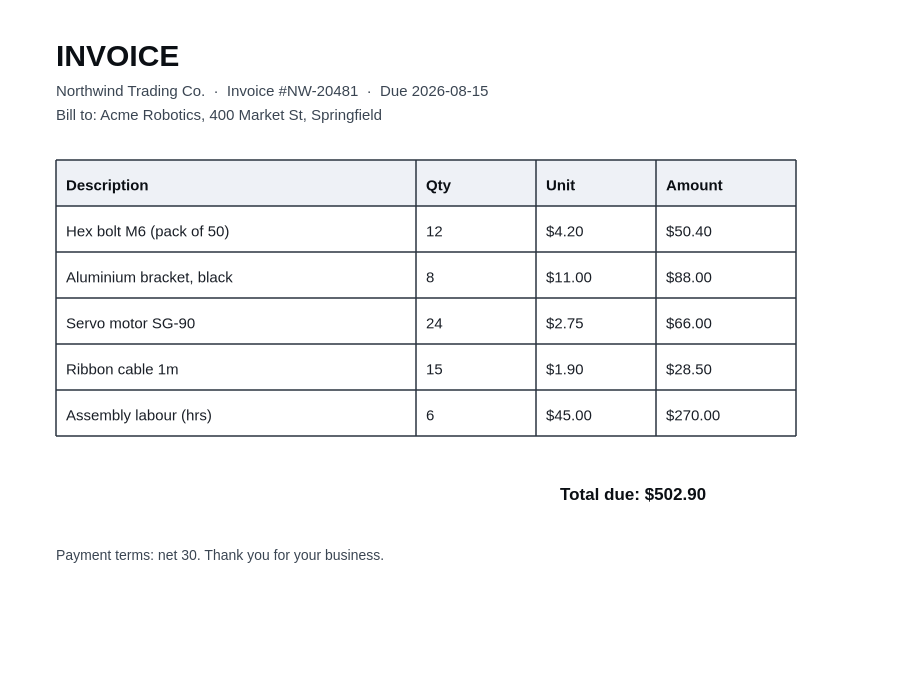
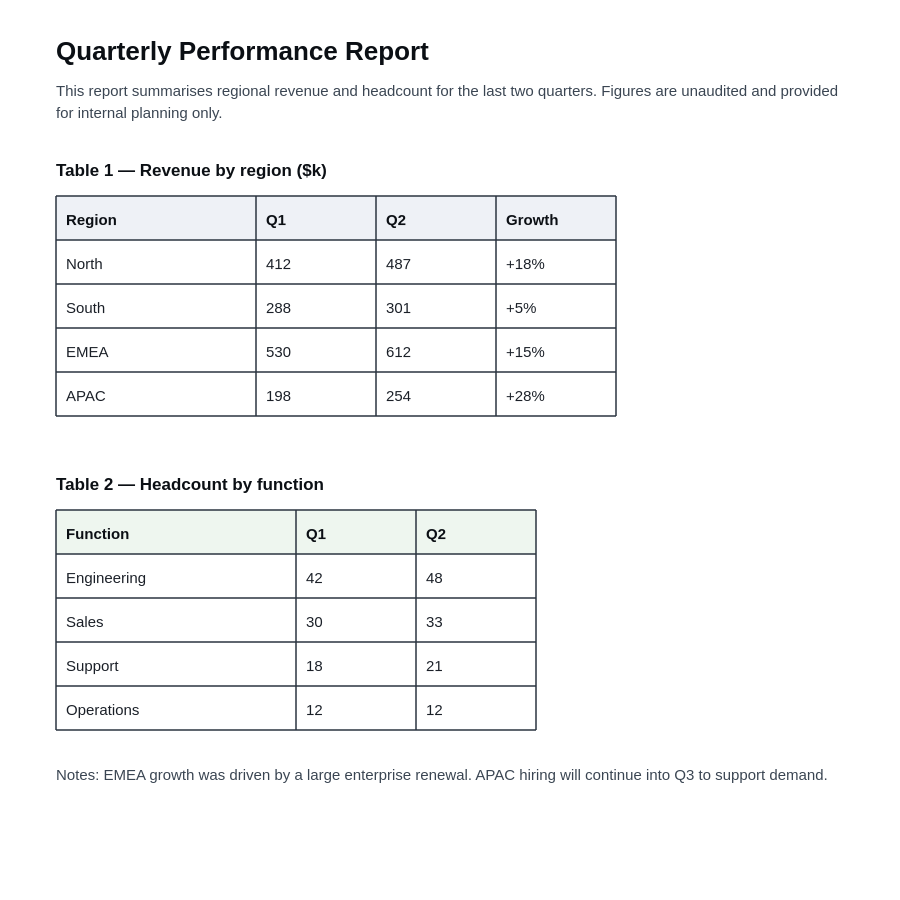
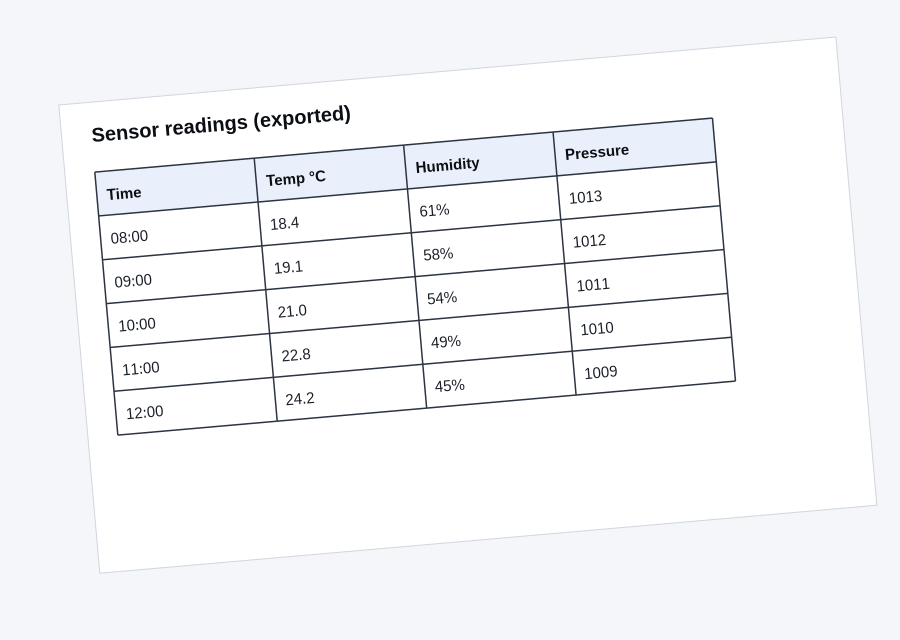
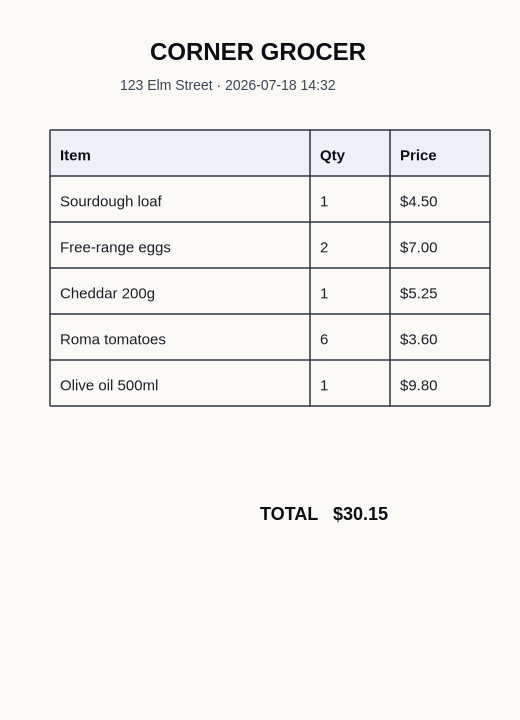
← All models · Table Transformer
Practical · two-stage · WASM
This is the flow you'd actually build a feature on. Stage one finds the tables; you pick one; stage two decomposes it into rows and columns, from which we reconstruct the cell grid. The result is exportable geometry — the coordinates every cell occupies — the thing you'd feed to OCR to rebuild a spreadsheet. Both stages run on your device.
Detect and select a table above to extract its structure.
Reconstructed grid — cell (row, column):
Stage one gives you a table box. You crop it (with a little padding) and hand the crop to stage two, which returns row bands and column bands as separate detections. A cell is simply the rectangle where a row band overlaps a column band — so R rows and C columns reconstruct an R×C grid of cell boxes. Feed each of those crops to an OCR model and you have rebuilt the table as data. That last hop is the multi-model demo.