Table Transformer — find tables, then read their structure
Tables are where documents hide their data, and they are notoriously hard to parse. Table Transformer
(Microsoft, trained on the million-table PubTables-1M set) turns this into two ordinary object-detection
passes: stage one boxes every table in a page; stage two takes that crop and boxes its
rows, columns, header and spanning cells. Drop a document or screenshot and watch a real
table-extraction pipeline run — no server, no upload.
~30 MB detection · ~30 MB structure — cached after first load, structure only fetched when you use it
License
MIT (Microsoft Table Transformer)
Web APIs
WebAssembly, Web Workers, Canvas, FileReader — all Baseline widely available
Run it — detect tables, then recognise structure
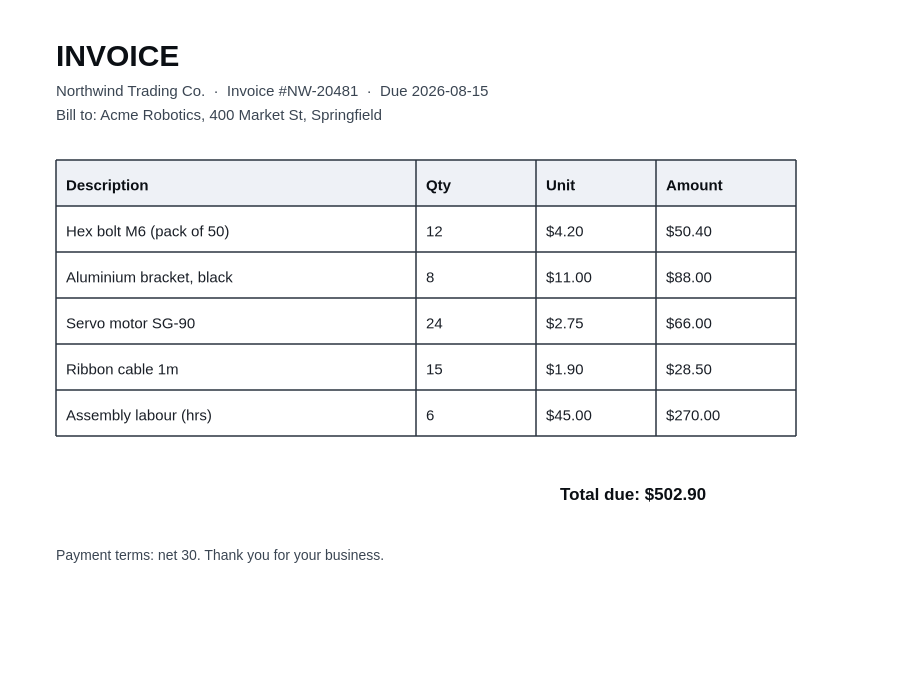
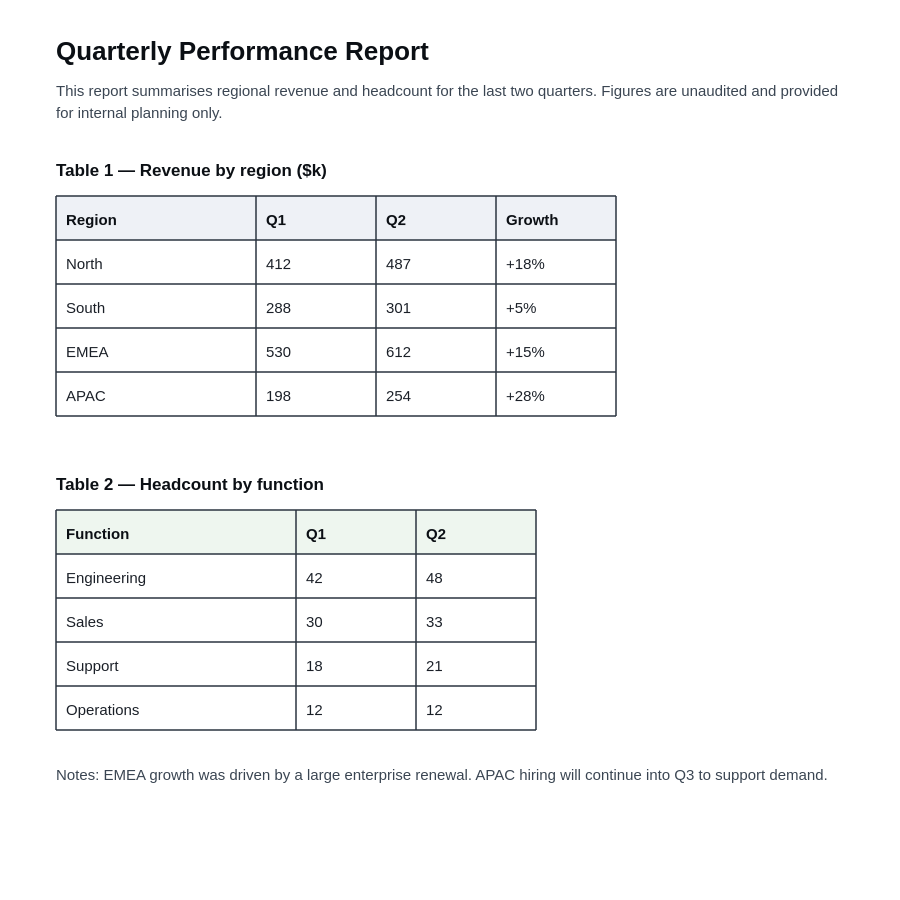
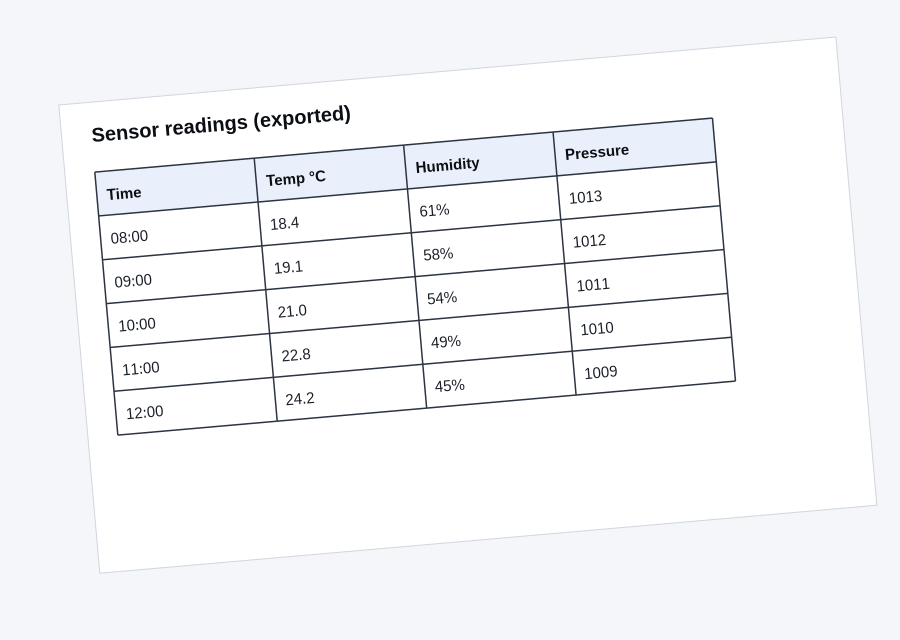
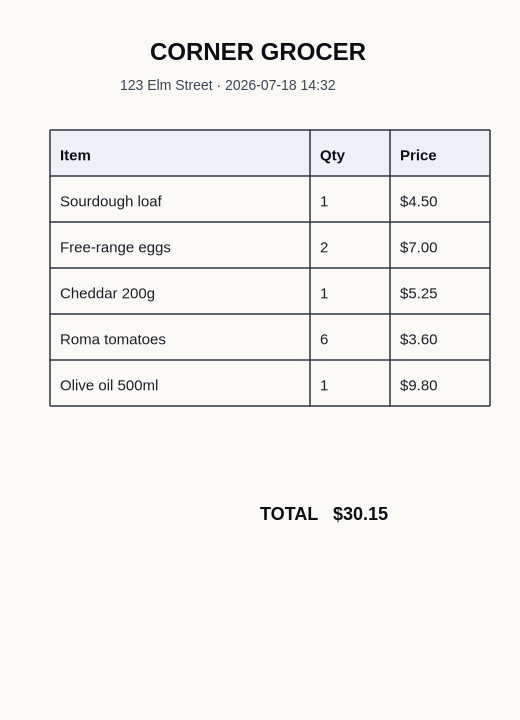
Pick or drop a document image and hit Detect tables. Then choose a detected table and hit
Recognise structure to break it into rows, columns and cells. The structure model loads the first time
you use it.
Drop a document/screenshot here, or click to choose
Structure of the selected table
Toggle what the second model found. Rows span the table width, columns its height; a cell is where a row meets a column.
Reconstructed grid (rows × columns from the row/column boxes):
backend –detect –structure –tables –grid –
See inside — every box the two models returned
Both stages are just DETR object detectors: a fixed set of predictions, each a class and a box with a
softmax confidence. Below is the raw structure output for the selected table — the label, the score, and
the box in the crop's own pixels. No post-processing beyond a score floor; the grid on the right is the
one derived quantity (rows × columns → cells).
Detect a table and recognise its structure to see the raw boxes.
rows –columns –reconstructed cells –total boxes –
#
label
score
x
y
w
h
Why it matters
"Get the data out of this table" is one of the most common — and most brittle — document tasks. Cloud
document-AI APIs charge per page and want your documents uploaded. Table Transformer turns table extraction
into two local function calls: private, offline, free per call, and pointed at whatever the user just
dropped in.
Table extraction pipelines — find each table, recover its grid, then read cells with OCR to rebuild a CSV/JSON from a scanned page.
Screenshot-to-data — a user pastes a screenshot of a table; you turn it into structured rows without an upload.
Document layout analysis — count and locate tables to route pages, trigger review, or index reports.
Accessibility & reflow — recover the row/column structure of a table baked into an image so it can be linearised for a screen reader.
Both stages are the same one-liner — object-detection — pointed at two checkpoints. The trick is the crop between them:
import { pipeline } from "@huggingface/transformers";

// Stage 1 — where are the tables?
const detect = await pipeline("object-detection", "Xenova/table-transformer-detection");
const tables = await detect(documentImage, { threshold: 0.7, percentage: false });
// → [{ label: "table", score: 0.99, box: { xmin, ymin, xmax, ymax } }, …]

// Crop the first table out of the page, with a little padding…
const crop = cropToBox(documentImage, tables[0].box);

// Stage 2 — what's the structure inside it?
const structure = await pipeline("object-detection", "Xenova/table-transformer-structure-recognition");
const parts = await structure(crop, { threshold: 0.25, percentage: false });
// → rows, columns, "column header", "spanning cell" … as boxes.
// A cell = where a "table row" band meets a "table column" band.
Each stage runs in its own Web Worker. Detection runs once at a low floor and the score slider filters the
cached boxes without re-running; structure runs on demand for the table you select. Canvases are drawn at
natural resolution and scaled by CSS, so every box stays pixel-accurate.